
|
Do it yourself
| |||
| ||||


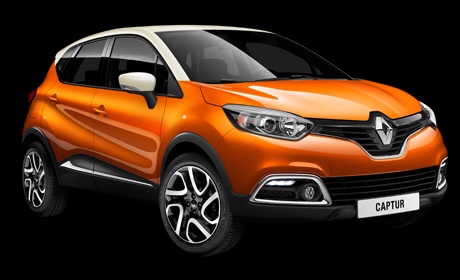
How the Infotainment System of the Renault Captur Works
Model: Renault Captur
MK 1
- Years:
2013, 2014, 2015, 2016, 2017, 2018, 2019
Video tutorial
Let’s see how the infotainment system of the Renault Captur works: the screen is a 7" touch screen with few physical buttons. The SmartNavEvolution presents itself as follows: the main menu consists of 6 icons that lead to various submenus. The last two allow you to customise your user experience. Naturally, you can connect your phone to the car with a few simple steps. The navigation system is easy to consult and can be operated with your fingers, but you can also control it with your voice. The system has few frills and plenty of substance, but it lacks automatic emergency braking and lane-keeping assistance. However, there is a blind spot warning on the external mirrors.
Updated on 15 August 2026 by ScegliAuto
Related tutorials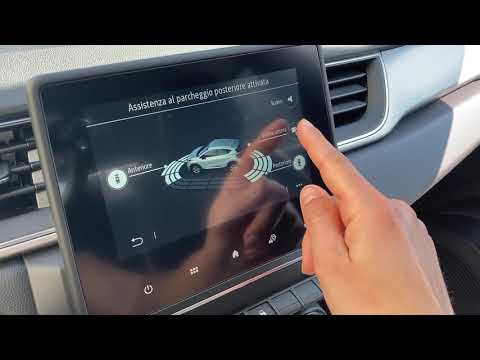
Renault Captur
(2013-2019 /
MK 1)
This video shows the settings and all the features of the infotainment system on the Renault Captur. This video is useful for anyone needing to under…

Renault Captur
(2019-2026 /
MK 2)
To reset the tyre pressure on the Renault Captur, start by turning on the instrument cluster and note that the tyre pressure warning light is on; the…
Renault Captur
(2019-2026 /
MK 2)
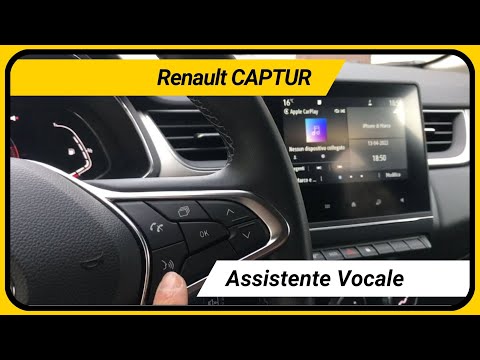
In this video, we will see how the voice command button works on the Renault Captur. The button also works wirelessly with your smartphone, no cable …
Other guides you may be interested in |
Frequently Asked QuestionsHow to Remove the Toll Tag Holder from the Car Windscreen
The toll tag holder is usually attached to the car windscreen to ensure that the toll tag functions immediately when passing through barriers. However, if you decide to remove the holder, you should follow this procedure: - Insert the toll tag into the holder; - Pull the holder inwards to detach it from the windscreen; you can use a glass scraper or a stiff plastic card to assist you; After removing the holder, it is essential to remove the adhesive from the windscreen. To remove the adhesive, we recommend using a solvent-based spray that will remove the glue without clouding the area. by ScegliAuto More videos
|
|
For advertising on this site Write to info@scegliauto.com
ScegliAuto is not responsible for any inaccuracy of the data in the lists. To report any inaccuracy or your business (if you own the business in question), please write to info@scegliauto.com
Number of seconds to generate the page: 0.052
(c) ScegliAuto 2026 - info@scegliauto.com - Privacy policy VAT number: IT01247470535 |
