
|
Do it yourself
| |||
| ||||


Renault Captur - Instrument clusterInstrument Cluster Renault Captur (2019-2026 / mk 2) Renault Captur (2019-2026 / MK 2)
The illuminated buttons of the Renault Captur II The design of the buttons located below the display follows a modern and asymmetrical logic: the symbols are illuminated, while the surface of the button …Read all… Posted on 16 September 2026 by ScegliAuto  Renault Captur (2019-2026 / MK 2)
Guide to the instrument panel of the Renault Captur 2025 We see a complete guide to the instrument panel of the Renault Captur 2025; the digital screen replaces the traditional analog tachometers and speedometers, …Read all… Posted on 20 November 2025 by ScegliAuto  Renault Captur (2019-2026 / MK 2)
How to deactivate and customize ADAS on Renault and Dacia vehicles Let's see how to deactivate and customize the ADAS on Renault and Dacia: the system is the same on both brands and is based on the "my safety" button. We go to …Read all… Posted on 4 November 2025 by ScegliAuto  Renault Captur (2013-2019 / MK 1)
How to change the language on the display of the Renault Captur 1 or Clio IV In this video we see how to change the language set on the display of the instrument panel of the Renault Captur MK1 (or the Clio IV, the procedure is the …Read all… Posted on 22 September 2025 by ScegliAuto 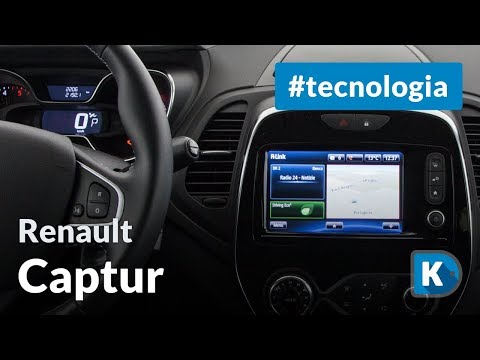 Renault Captur (2013-2019 / MK 1)
How the Infotainment System of the Renault Captur Works Let’s see how the infotainment system of the Renault Captur works: the screen is a 7" touch screen with few physical buttons. The SmartNavEvolution presents …Read all… Posted on 15 August 2026 by ScegliAuto 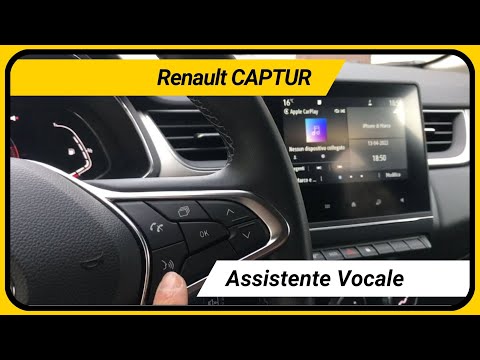 Renault Captur (2019-2026 / MK 2)
How the voice command button works on the Renault Captur In this video, we will see how the voice command button works on the Renault Captur. The button also works wirelessly with your smartphone, no cable is needed. …Read all… Posted on 27 July 2026 by ScegliAuto 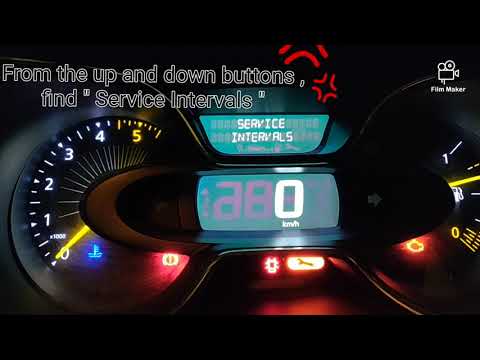 Renault Captur (2013-2019 / MK 1)
How to Reset the Maintenance Interval on a Renault Captur This guide lists the steps to follow to reset the maintenance interval for the first series Renault Captur using the car's onboard computer. Follow these …Read all… Posted on 21 September 2026 by ScegliAuto 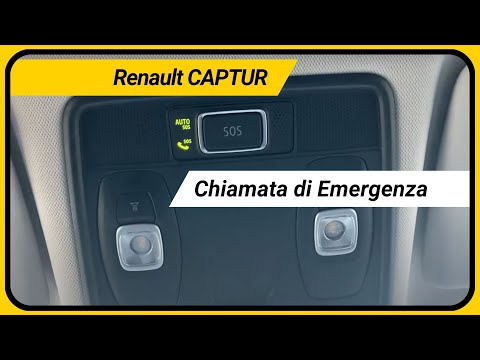 Renault Captur (2019-2026 / MK 2)
How the Emergency Call Works on the Renault Captur This explains how the emergency call works on the Renault Captur, specifically the SOS button located on the ceiling light. When the icons are lit green, it …Read all… Posted on 29 August 2026 by ScegliAuto Instrument Cluster Renault Captur (2013-2019 / mk 1)
Renault Captur (2019-2026 / MK 2)The illuminated buttons of the Renault Captur II The design of the buttons located below the display follows a modern and asymmetrical logic: the symbols are illuminated, while the surface of the button …Read all… Posted on 16 September 2026 by ScegliAuto
Renault Captur (2019-2026 / MK 2)Guide to the instrument panel of the Renault Captur 2025 We see a complete guide to the instrument panel of the Renault Captur 2025; the digital screen replaces the traditional analog tachometers and speedometers, …Read all… Posted on 20 November 2025 by ScegliAuto
Renault Captur (2019-2026 / MK 2)How to deactivate and customize ADAS on Renault and Dacia vehicles Let's see how to deactivate and customize the ADAS on Renault and Dacia: the system is the same on both brands and is based on the "my safety" button. We go to …Read all… Posted on 4 November 2025 by ScegliAuto
Renault Captur (2013-2019 / MK 1)How to change the language on the display of the Renault Captur 1 or Clio IV In this video we see how to change the language set on the display of the instrument panel of the Renault Captur MK1 (or the Clio IV, the procedure is the …Read all… Posted on 22 September 2025 by ScegliAuto
Renault Captur (2013-2019 / MK 1)How the Infotainment System of the Renault Captur Works Let’s see how the infotainment system of the Renault Captur works: the screen is a 7" touch screen with few physical buttons. The SmartNavEvolution presents …Read all… Posted on 15 August 2026 by ScegliAuto
Renault Captur (2019-2026 / MK 2)How the voice command button works on the Renault Captur In this video, we will see how the voice command button works on the Renault Captur. The button also works wirelessly with your smartphone, no cable is needed. …Read all… Posted on 27 July 2026 by ScegliAuto
Renault Captur (2013-2019 / MK 1)How to Reset the Maintenance Interval on a Renault Captur This guide lists the steps to follow to reset the maintenance interval for the first series Renault Captur using the car's onboard computer. Follow these …Read all… Posted on 21 September 2026 by ScegliAuto
Renault Captur (2019-2026 / MK 2)How the Emergency Call Works on the Renault Captur This explains how the emergency call works on the Renault Captur, specifically the SOS button located on the ceiling light. When the icons are lit green, it …Read all… Posted on 29 August 2026 by ScegliAuto Airbag (1) Speaker (3) Shocks (1) Antenna (3) Car stereo (14) Roof rack bars (2) Battery (10) Control arm (1) Spark plugs (3) Glow plugs (1) Body (5) Key (41) Timing belt (3) Onboard computer (24) Checks and maintenance (38) Dashboard (1) Shifter boot (1) Brake rotors (2) Headlight (2) Tail light (1) Fog lights (2) Air filter (10) Cabin air filter (25) Diesel fuel filter (10) Oil filter (1) Parking brake (1) Window switch (1) Accessory kit (2) Light bulb (1) Headlight bulb (3) Tail light bulb (5) (1) Engine oil (7) Clock (2) Door trim panel (4) Windshield (1) Front bumper (5) Rear bumper (3) Brake pads (5) Tires (4) Shift knob (5) Car door (1) Push button (1) Power window switch (1) Instrument cluster (8) Wheel (1) Fuse box (22) Seat (7) Door lock (1) Brake system (1) Side mirror (2) Rearview mirror (1) Warning light – error code (29) (41) Tire pressure warning light (19) Service warning light (145) Manufacturer emblem (1) Brake drums and shoes (1) Fuel cap (4) Windshield wipers (12) EGR valve (3) |
How to Remove the Airbag from Citroen C3
To remove the airbag from a Citroen C3, follow these steps, which you can also see in the attached video. Check the warning light: before proceeding, ensure that the airbag warning light is off and that the horn functions correctly. Disconnect the battery: disconnect the battery to ensure safety during the operation. Locate the holes behind the steering wheel: find the two holes located behind the steering wheel. Insert a long screwdriver: insert a long screwdriver into the holes and press firmly to unlock the internal clips. Remove the airbag: at this point, you can remove the airbag from the steering wheel and disconnect the two internal connectors. by ScegliAuto More videos
|
|
For advertising on this site Write to info@scegliauto.com
ScegliAuto is not responsible for any inaccuracy of the data in the lists. To report any inaccuracy or your business (if you own the business in question), please write to info@scegliauto.com
Number of seconds to generate the page: 0.007
(c) ScegliAuto 2026 - info@scegliauto.com - Privacy policy VAT number: IT01247470535 |
