
|
Do it yourself
| |||
| ||||


How to Reset the Service Light on a 2014 Renault Trafic
Model: Renault Trafic
MK 2
- Years 2001-2014
Today, with the help of this short video tutorial, follow the steps to reset the service light on a 2014 Renault Trafic. Start the reset by getting into the vehicle and pressing the accelerator pedal while turning the key in the ignition. Continue by releasing the accelerator pedal and pressing the brake pedal three times. Then, release the brake pedal and turn off your vehicle. After a few seconds, restart the vehicle to check that the service light has been successfully reset. It is important to perform this operation only after completing the service.
Updated on 15 August 2026 by ScegliAuto
Video tutorial
Related tutorials
Renault Trafic
(2001-2014 /
MK 2)
Resetting the service light on a 2008 Renault Trafic follows the same steps as resetting the service light on the Nissan Primastar; to reset the ligh…
Renault Trafic
(2001-2014 /
MK 2)
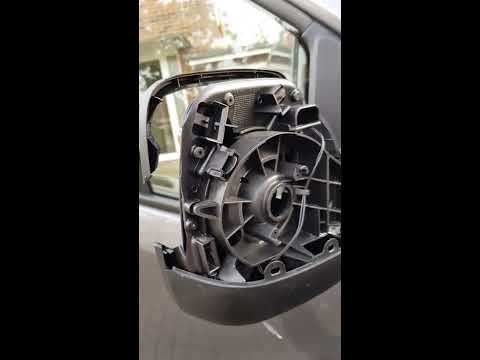
Need to remove a damaged mirror on a Renault Traffic? Start by removing the plastic cover of the mirror from inside the door, then unscrew the securi…

Renault Trafic
(2001-2014 /
MK 2)
Today with the help of the following video tutorial, we will explain how to reset the service light of the Renault Trafic. After performing the maint…
Other guides you may be interested in
|
How to reset the tyre pressure warning light on the Suzuki Jimny?
To reset the tyre pressure warning light on the Suzuki Jimny, first inflate the tyres to the pressure value indicated on the corresponding sticker: this is located at the bottom of the driver's door pillar. Once the tyres are inflated, insert the ignition key and turn on the instrument panel: select the screen that indicates the tyre pressures, checking that the values change. After a few seconds, the tyre pressure warning light will automatically turn off. by ScegliAuto More videos
|
|
For advertising on this site Write to info@scegliauto.com
ScegliAuto is not responsible for any inaccuracy of the data in the lists. To report any inaccuracy or your business (if you own the business in question), please write to info@scegliauto.com
Number of seconds to generate the page: 0.436
(c) ScegliAuto 2026 - info@scegliauto.com - Privacy policy VAT number: IT01247470535 |
