
|
Do it yourself
| |||
| ||||


How to Change the Colours on the Main Unit of the Renault Megane
Model: Renault Megane
Megane 4, Megane IV
- Years 2015-2023
In this video, you will see how to change the colours on the instrument panel of the Renault Megane IV: from the multimedia screen, go to the menu and then to vehicle; select ambient lights, where you will find all the available colours. You can assign a different colour to each function, allowing you to personalise according to your preferences, and also set a positive (light) or negative (dark) theme. This also applies to the dashboard, where you can select various types of speedometers with different designs, including one resembling a Formula 1.
Updated on 29 August 2026 by ScegliAuto
Video tutorial
Related tutorials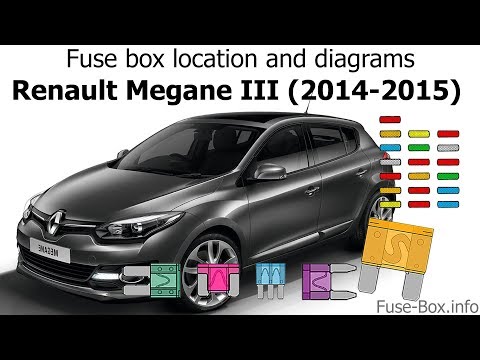
Renault Megane
(2008-2015 /
Megane III, Megane 3)
It is important for every motorist to know the fuse diagram of their car. In a Renault Megane 3, this box is located under the dashboard, to the left…
Renault Megane
(2002-2010 /
Megane 2)
In this video, see where the airbag control unit is located in the Renault Megane, useful if you need to replace it due to a fault. As shown, it is p…
Renault Megane
(2008-2015 /
Megane III, Megane 3)
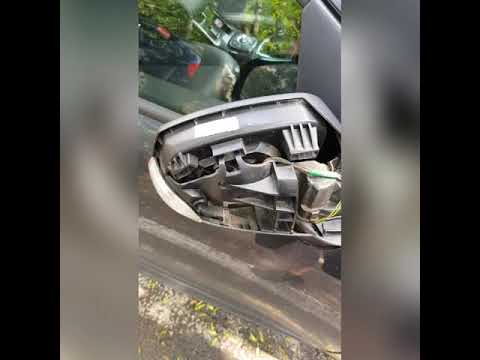
How do you change the indicator lens on a Renault Megane? Remove the external rear-view mirror if damaged, or the cover to access the indicator light…
Other guides you may be interested in
|
How to Reset the Central Locking of the Volkswagen Golf 4?
If the central locking system of the Volkswagen Golf 4 is not working, it is likely necessary to reset the system: to do this, open the driver's door and detach the side panel of the dashboard next to the steering wheel. Under this panel, you will find the fuses, including the one for the central locking, which is indicated in the manual as number 14. To reset the system, remove this fuse from its housing, then reinsert it or replace it with a new one of the same amperage: this will reset the central locking system. by ScegliAuto More videos
|
|
For advertising on this site Write to info@scegliauto.com
ScegliAuto is not responsible for any inaccuracy of the data in the lists. To report any inaccuracy or your business (if you own the business in question), please write to info@scegliauto.com
Number of seconds to generate the page: 0.177
(c) ScegliAuto 2026 - info@scegliauto.com - Privacy policy VAT number: IT01247470535 |
