
|
Do it yourself
| |||
| ||||


How to Repair the Key of a Renault Clio
Model: Renault Clio
MK 2, Clio 2
- Years:
1998, 1999, 2000, 2001, 2002, 2003, 2004, 2005
Video tutorial
If you have issues with your Renault Clio key, here are some general tips to resolve common problems: Replace the battery: If the key is not functioning correctly, you may need to replace the battery. Check the type of battery required for your key and replace it following the instructions in the owner's manual. Check the battery connection: If you have already replaced the battery but the key still does not work, ensure that the connection is stable and secure. Sometimes, the battery may not be inserted correctly, or there may be dirt or corrosion on the contacts. Clean the contacts and ensure they are fully connected. Reprogram the key: If the key is not recognised by the starting system or the immobiliser, you may need to reprogram it. Consult the owner's manual or contact a Renault dealer for specific instructions on the key reprogramming procedure. Replace the key shell: If the key shell is damaged or worn, you may need to replace it. You can purchase replacement shells for Renault Clio keys online or from a car dealer. Then, transfer the electronics from the old key to the new shell or have a professional do it.
Updated on 16 September 2026 by ScegliAuto
Related tutorials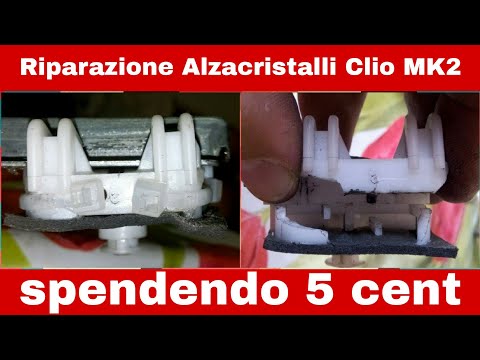
Renault Clio
(1998-2005 /
MK 2, Clio 2)
This guide shows how to fix the window regulator of the Renault Clio Series 2. The first step is to remove the inner door panel. To do this, remove a…
Renault Clio
(2012-2019 /
Clio IV, Clio 4, MK 4)
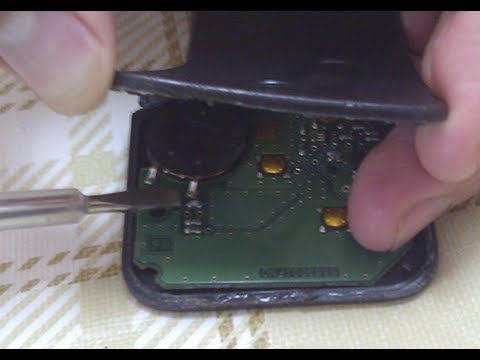
In today's video, see how to repair the electronic key of a Renault Clio (or similar models equipped with the same type of key). This operation is us…
Renault Clio
(2005-2013 /
Clio 3, MK 3, Clio III)
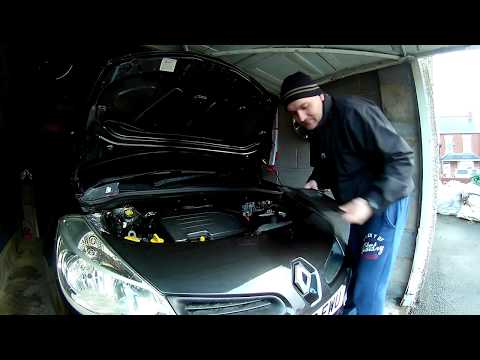
In this video, see how to repair the cabin fan of a Renault Clio third series. First, disconnect the two battery terminals; then access the inside of…
Other guides you may be interested in
|
How to Reset the AdBlue Warning Light on a Peugeot Boxer
To reset the AdBlue system on a 2018 Peugeot Boxer, follow these steps: Start the engine and ensure the vehicle is parked in a well-ventilated area. Locate the "MENU" button on the dashboard or steering wheel controls. Press and hold the "MENU" button until the menu options appear on the display. Use the arrow buttons or scroll wheel to access the "Vehicle Settings" or "Settings" menu. Select the "AdBlue" or "AdBlue System" option. Look for the "Recharge" or "Reset" option in the AdBlue menu. Once you find the reset option, select it and confirm your choice when prompted. The system will be reset, and a confirmation message may appear on the display. Turn off the engine and wait a few seconds. Restart the engine and check that the AdBlue system has been reset. by ScegliAuto More videos
|
|
For advertising on this site Write to info@scegliauto.com
ScegliAuto is not responsible for any inaccuracy of the data in the lists. To report any inaccuracy or your business (if you own the business in question), please write to info@scegliauto.com
Number of seconds to generate the page: 0.105
(c) ScegliAuto 2026 - info@scegliauto.com - Privacy policy VAT number: IT01247470535 |
