
|
Do it yourself
| |||
| ||||


How to reset the infotainment system of the Seat Leon
Model: Seat Leon
KL1, KL8
- Years 2020-2026
Let's see how to reset the infotainment system of the Seat Leon: we start with a soft reset to use when the screen occasionally freezes, and we have a temporary slowness of the system. Locate the volume button on the dashboard, and hold it down for 10/15 seconds; wait for the screen to turn off and on again and release it when you see the Seat logo. With this system, personal settings are not lost, it is a quick operation and solves a good part of small problems. If instead we need to solve persistent problems, serious malfunctions of the system, or before selling the car, we must do a complete reset: go to "settings" and select "system". from here we select "restore factory settings". This deletes all data: contacts, preferences, associated apps, loses all settings and deletes connected accounts.
Posted on 7 October 2025 by ScegliAuto
Video tutorial
Related tutorials
Seat Leon
(2020-2026 /
KL1, KL8)
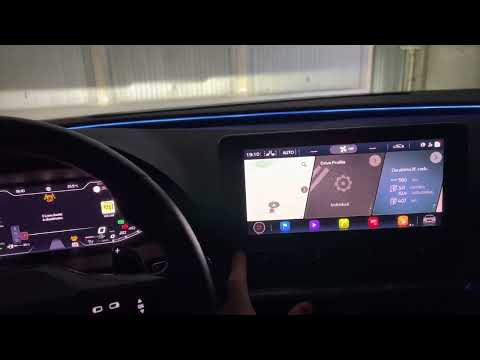
In this short and simple guide, we will see how to reset the Infotainment and multimedia system of the Seat Leon, as well as the Cupra Leon and Forme…
Seat Leon
(2020-2026 /
KL1, KL8)
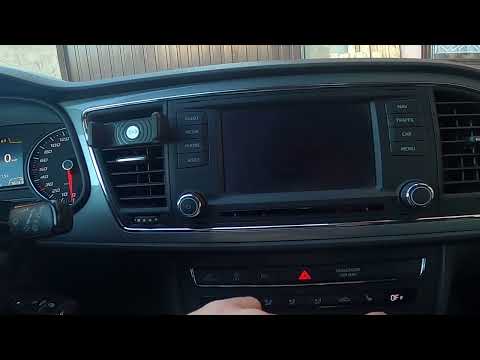
If the infotainment system on your Seat Leon or Cupra Formentor continues to load but fails to turn on, perform a hard reset as follows: press the bu…
Seat Leon
(2012-2019 /
MK 3, 5F)
If you want to manually change the system language displayed on your Seat Leon Mk3 (2012-2019), follow these simple steps. First, start the instrumen…
Other guides you may be interested in
|
How to Open a Stuck Boot on the Peugeot 407?
On the Peugeot 407, the boot may become stuck, possibly due to a problem with the control button or the lock actuator. In such cases, you can perform an emergency opening by following the simple procedure shown in this tutorial. First, open the rear doors, then lower the seat back by operating the release lever. Next, go inside the boot, locate the lock, and manually operate it using a flathead screwdriver. The boot will then be free to open. by ScegliAuto More videos
|

|
For advertising on this site Write to info@scegliauto.com
ScegliAuto is not responsible for any inaccuracy of the data in the lists. To report any inaccuracy or your business (if you own the business in question), please write to info@scegliauto.com
Number of seconds to generate the page: 0.278
(c) ScegliAuto 2026 - info@scegliauto.com - Privacy policy VAT number: IT01247470535 |
