
|
Do it yourself
| |||
| ||||



How to reset the infotainment system of the Seat Leon
Model: Seat Leon
KL1, KL8
- Years:
2020, 2021, 2022, 2023, 2024, 2025, 2026
Video tutorial
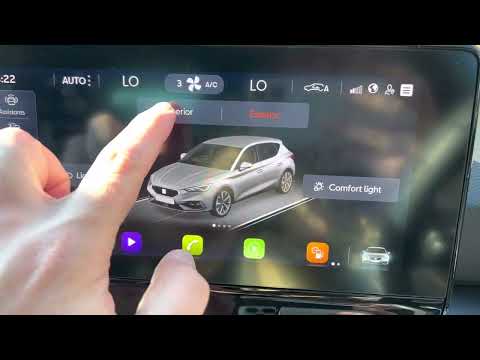
In this short and simple guide, you will learn how to reset the infotainment and multimedia system of the Seat Leon, as well as the Cupra Leon and Formentor. First, get into the vehicle and turn on the instrument cluster; then go to the system settings from the central display and scroll through the options until you reach the factory reset setting, as illustrated in the video. At this point, wait for the infotainment system to reset, then set all preferences, following the video tutorial to the end!
Updated on 16 October 2026 by ScegliAuto
Related tutorials
Seat Leon
(2005-2013 /
1P)
Noticing the tyre warning light on a vehicle means there is a specific issue with the inflation pressure, mainly due to a puncture, a flat tyre, or, …
Seat Leon
(2020-2026 /
KL1, KL8)
To reset the trip meter on a Seat Leon, turn on the ignition to access the settings from the menu on the central display: select "Vehicle" and then "…
Seat Leon
(2012-2019 /
5F, MK 3)
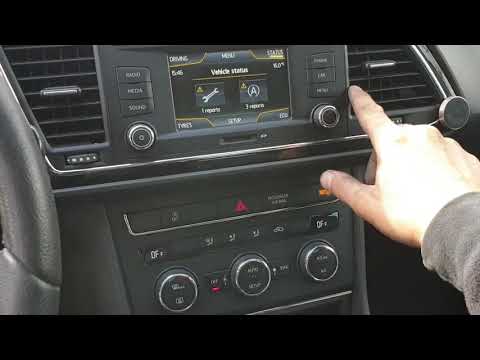
Below are the main instructions to reset the tyre pressure warning light on a Seat Leon in simple and quick steps; before performing the reset, ensur…
Other guides you may be interested in
|
How to Set the Clock on a Renault Master 3
This guide shows you how to set a new time on a Renault Master 3. Start by turning on the instrument cluster of the vehicle without starting the engine. Next, using the end of the right-hand steering column stalk, scroll through the options on the display until you reach 'set time', then press the down arrow button to make the displayed time blink. Once this is done, press and hold the down arrow button to change the hour, which you can adjust using the two arrow buttons at the end of the stalk. Once the correct hour is set, press and hold the down arrow button again to move to the minutes. After setting the correct time, restart the vehicle. by ScegliAuto More videos
|
|
For advertising on this site Write to info@scegliauto.com
ScegliAuto is not responsible for any inaccuracy of the data in the lists. To report any inaccuracy or your business (if you own the business in question), please write to info@scegliauto.com
Number of seconds to generate the page: 0.026
(c) ScegliAuto 2026 - info@scegliauto.com - Privacy policy VAT number: IT01247470535 |
