
|
Do it yourself
| |||
| ||||


How to Change the Language of the On-Board Computer in a Seat?
Model: Seat Seat Various
In this tutorial, we will see how to change the language of the on-board computer in a Seat, an extremely simple and quick operation. To proceed, you will need the VCDS application, which should be interfaced via your PC to the vehicle's OBD port. Once this is done, go to the "Select Control Module" section, enter "Instruments", and then "Adaptation". Next, open the drop-down menu, select "Language Version", and choose the correct language from the list. At this point, simply select "Do It!", restart the vehicle, and check that the operation was successful.
Updated on 8 August 2026 by ScegliAuto
Video tutorial
Related tutorials
Seat Seat Various
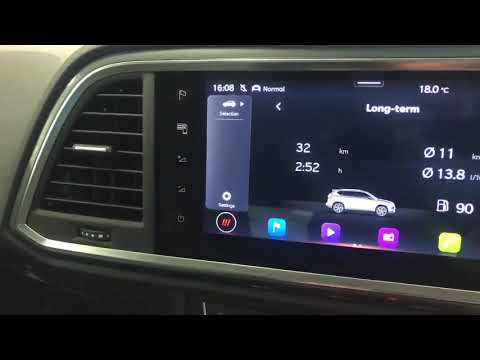
In order to change the language of the on-board computer in Seat cars, you need to access the menu that will appear on the display in the center of t…
Seat Seat Various
Resetting the trip meter on a Seat car is really straightforward, and we will demonstrate it now. To do this, simply turn on the instrument cluster (…

Seat Seat Various
It is not uncommon for multiple warning lights to suddenly come on in a car. In some cases, this happens due to real problems detected by the control…
Other guides you may be interested in
|
How to Open a Stuck Boot on the Peugeot 407?
On the Peugeot 407, the boot may become stuck, possibly due to a problem with the control button or the lock actuator. In such cases, you can perform an emergency opening by following the simple procedure shown in this tutorial. First, open the rear doors, then lower the seat back by operating the release lever. Next, go inside the boot, locate the lock, and manually operate it using a flathead screwdriver. The boot will then be free to open. by ScegliAuto More videos
|
|
For advertising on this site Write to info@scegliauto.com
ScegliAuto is not responsible for any inaccuracy of the data in the lists. To report any inaccuracy or your business (if you own the business in question), please write to info@scegliauto.com
Number of seconds to generate the page: 0.674
(c) ScegliAuto 2026 - info@scegliauto.com - Privacy policy VAT number: IT01247470535 |
