
|
Do it yourself
| |||
| ||||


How do you deactivate the Start&Stop of the Smart car?
Model: Smart Smart
453
- Years 2014-2022
It will be possible to deactivate the Start&Stop of the Smart by turning on the instrument panel and then locating the button with the letter A inside a circular arrow: this must be pressed to deactivate the Start&Stop system, as indicated by the warning light that will appear on the instrument panel. It will be possible to reactivate the system by pressing the same button again. It will also be possible to note that the system will be automatically reactivated every time the engine is started.
Posted on 15 August 2025 by ScegliAuto
Video tutorial
Related tutorials
Smart
(2014-2022 /
453)
In this guide, we will see the main instructions that will allow us to activate and deactivate the Start&Stop system of the Smart Fortwo. First of al…

Smart
(2014-2022 /
453)
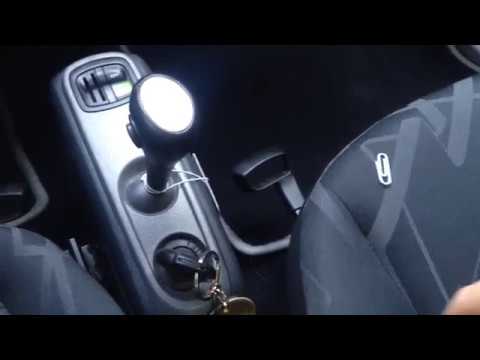
Let's see how to deactivate the start & stop on the Smart 453 (and also on the Renault Twingo). The temporary solution is the one shown in the video,…
Smart
(2007-2015 /
451)
As you know, the starter belt of the Smart 451 is subject to severe wear. It is recommended to replace it after 60,000 km, but rarely does it reach t…
Other guides you may be interested in
|
Frequently Asked QuestionsHow to Open the Bonnet of a Renault Twingo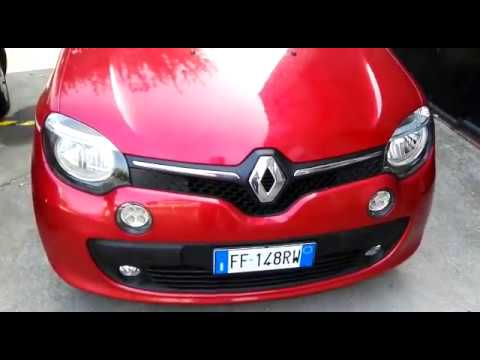
How do you open the front bonnet of a Renault Twingo for maintenance and top-ups? Let's see in this video how to proceed. Open the plastic grilles located at the sides of the front grille with your hands. Once the catches at the front are released: turn the key (as shown in the video) and pull the lever located on the left of the bonnet to the right. Once the piece is removed, carry out maintenance on your car. To reassemble, secure the plastic cover at the front of the nose with your hands and then slide it upwards. Finally, close the bonnet release levers with your hands. by ScegliAuto More videos
|

For advertising on this site Write to info@scegliauto.com
ScegliAuto is not responsible for any inaccuracy of the data in the lists. To report any inaccuracy or your business (if you own the business in question), please write to info@scegliauto.com
Number of seconds to generate the page: 0.057
(c) ScegliAuto 2026 - info@scegliauto.com - Privacy policy VAT number: IT01247470535 |
