
|
Do it yourself
| |||
| ||||


How to Reset the Service Light on the Smart Fortwo
Model: Smart Smart
453
- Years 2014-2022
Today, you will discover the main instructions that will allow you to reset the service light for regular maintenance on the Smart Fortwo. First, get in the vehicle and turn on the instrument cluster; then go to the settings of the onboard computer until you reach the service message, holding down the reset button located on the left side of the steering wheel to confirm and execute the reset of the maintenance key. This will reset the service mileage counter, turning off the ignition and starting the engine!
Posted on 20 March 2026 by ScegliAuto
Video tutorial
Related tutorials
Smart
(2014-2022 /
453)
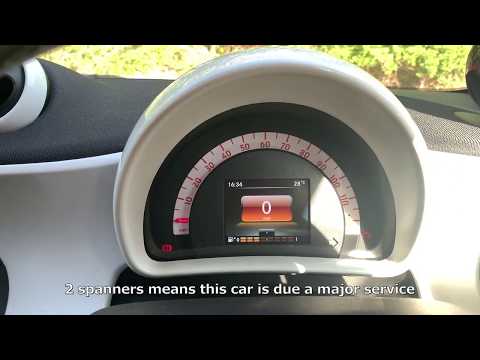
Good morning, today I will guide you through the process of resetting the partial trip on your Smart ForTwo. To begin, let's carefully enter the car.…
Smart
(2014-2022 /
453)
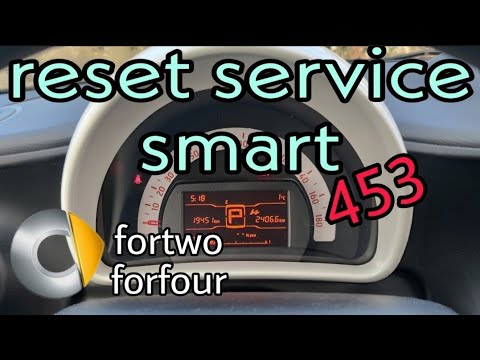
After carrying out the scheduled maintenance operations provided for the Smart ForTwo 453, the relative signal on the display must be reset by follow…
Smart
(2014-2022 /
453)
Let's find out in this video tutorial how to reset the oil change routine maintenance service light on a Smart Fortwo 453, third series. First of all…
Other guides you may be interested in
|
How to Remove the Front Brake Pads on a Chrysler PT Cruiser
To remove the front brake pads on a Chrysler PT Cruiser, position the car on a column lift and raise it to a comfortable height. Unscrew the pins using a socket wrench or air drill and remove the wheel. Then, use a screwdriver to detach the brake pads. Next, remove the caliper bracket and unscrew the pins on the brake disc (using a Torx screwdriver). Pull the disc towards you to slide it off the hub. Install the new brake disc with all associated pins, secure the caliper bracket to the disc and the pads, then mount the brake caliper, ensuring all pins are tightened properly. Before mounting the wheel, bleed the brake caliper and tighten the pin. by ScegliAuto More videos
|

|
For advertising on this site Write to info@scegliauto.com
ScegliAuto is not responsible for any inaccuracy of the data in the lists. To report any inaccuracy or your business (if you own the business in question), please write to info@scegliauto.com
Number of seconds to generate the page: 0.131
(c) ScegliAuto 2026 - info@scegliauto.com - Privacy policy VAT number: IT01247470535 |
