
|
Do it yourself
| |||
| ||||


How to Remove the Turbocharger on a Smart Fortwo
Model: Smart Smart
450
- Years 1998-2007
Learn how to remove the turbocharger on a Smart Fortwo. Open the engine cover, lift it and secure it, remove the rear bumper and access the engine (if available), unscrew the securing bolts of the turbocharger (located in the engine bay) using a socket wrench. Remove the valve from the engine seat and disconnect the various feed connectors using a screwdriver or needle-nose pliers. After comparing the damaged valve with the new one, install it onto the engine block in the bay, tighten it securely with the bolts, and reconnect the connectors. Test the correct operation of the component after installation.
Updated on 11 March 2026 by ScegliAuto
Video tutorial
Related tutorials
Smart
(1998-2007 /
450)
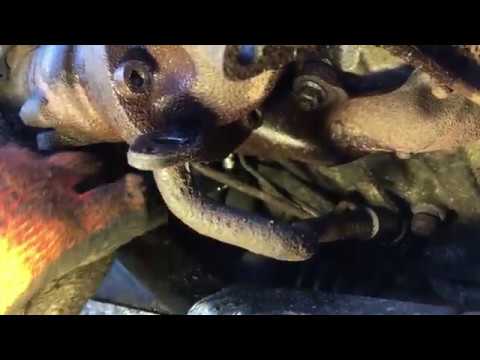
Today we will see the instructions that will allow us to disassemble and replace the turbocharger of the Smart Fortwo 0.8 CDI. First of all, lift the…
Smart
(1998-2007 /
450)
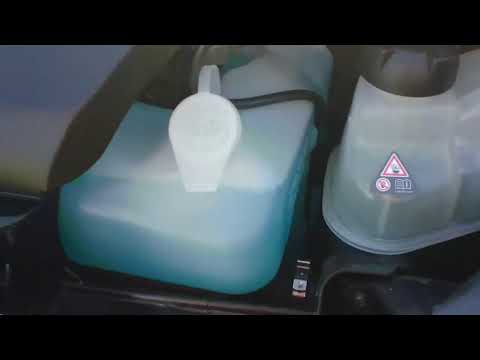
Let's see in this guide how to disassemble and replace the turbocharger of the Smart Fortwo 0.8 CDI. First, we open the rear hatch and start unscrewi…
Smart
(2007-2015 /
451)
Before we can start, we will have to get out of the cockpit of our Smart ForTwo, and then, we will have to head towards the front of the car. So let'…
Other guides you may be interested in
|
How to Remove the Centre Console on a Renault Scenic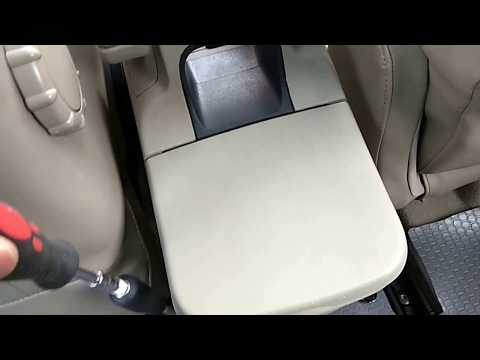
Watch this video to learn how to remove the glove compartment from the rear cover of the centre console on a Renault Scenic. Use a plastic lever to pry at the edge of the side plastics as shown in the video. Once the plastics are removed, unscrew the screws located at the sides of the centre console with a suitable screwdriver, and disconnect all the power connectors. Remove the side rests from the glove compartment. Fit the new piece onto the centre cover and proceed with the assembly of the remaining parts, working in reverse order. by ScegliAuto More videos
|
|
For advertising on this site Write to info@scegliauto.com
ScegliAuto is not responsible for any inaccuracy of the data in the lists. To report any inaccuracy or your business (if you own the business in question), please write to info@scegliauto.com
Number of seconds to generate the page: 0.070
(c) ScegliAuto 2026 - info@scegliauto.com - Privacy policy VAT number: IT01247470535 |
