
|
Do it yourself
| |||
| ||||



How to Replace the Window Switch Button on the Smart 451?
Model: Smart Smart
451
- Years:
2007, 2008, 2009, 2010, 2011, 2012, 2013, 2014, 2015
Video tutorial
To replace the window switch button on the Smart 451, you will need a flathead screwdriver and a plastic lever. With these two tools, unclip the cover from the handle on the driver's side and remove the window switch panel from its housing. After disconnecting the electrical connector, extract the faulty button by leveraging the locking mechanism. Before inserting the new button into the switch panel, connect it to the connector and test it, then install it and reposition both the switch panel and the cover.
Posted on 29 July 2026 by ScegliAuto
Related tutorials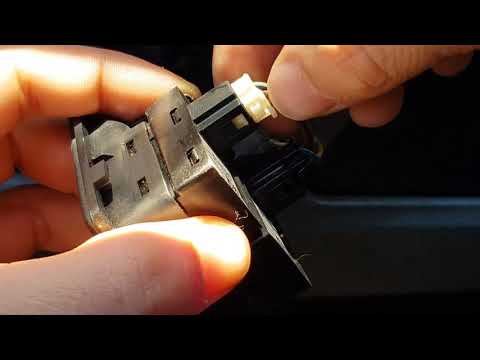
Smart
(2007-2015 /
451)
Before starting, sit in the driver's seat of your Smart ForTwo. Begin by prying off and removing the plastic around the window switch button using a …

Smart
(2007-2015 /
451)
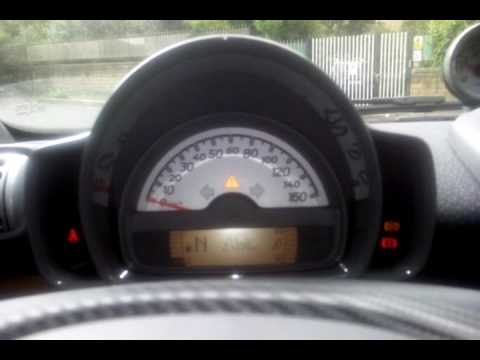
If, after performing the regular service on your Smart 451 (2007-2015), you notice that the warning light continues to illuminate on the dashboard, p…
Smart
(2007-2015 /
451)
ESP stands for Elektronisches Stabilitätsprogramm, also known in the UK as ESC or Electronic Stability Control. It is disabled when the road is parti…
Other guides you may be interested in
|
How to Set the Time in an Audi A4?
In this tutorial, you will see how to set the time in an Audi A4, a very simple and quick operation to perform after replacing the battery or when the time changes. First, insert the key and turn on the instrument cluster. Then, press the "SETUP" button located on the center console. Next, press the upper left arrow button, navigate to the "Time" option, and use the central knob to adjust the clock. Finally, set any necessary formats and save by returning to the main screen. by ScegliAuto More videos
|
|
For advertising on this site Write to info@scegliauto.com
ScegliAuto is not responsible for any inaccuracy of the data in the lists. To report any inaccuracy or your business (if you own the business in question), please write to info@scegliauto.com
Number of seconds to generate the page: 0.023
(c) ScegliAuto 2026 - info@scegliauto.com - Privacy policy VAT number: IT01247470535 |
