
|
Do it yourself
| |||
| ||||


How to Replace Brakes on Smart Fortwo
Model: Smart Smart
451
- Years 2007-2015
Worn brake pads? Here’s how to remove them on a Smart Fortwo. Lift the car on a column jack to the desired height: remove the wheel with the respective bolts. Unscrew the locking pin of the brake caliper, and remove it from the wheel support. Use a screwdriver to remove the pads from the brake caliper. Fit the new pads onto the brake caliper. Refit the brake caliper over the brake disc (tighten all bolts and refit the wheel). Replace the other worn pads on the Smart Fortwo. Replace the brake disc if damaged (worn).
Updated on 19 March 2026 by ScegliAuto
Video tutorial
Related tutorials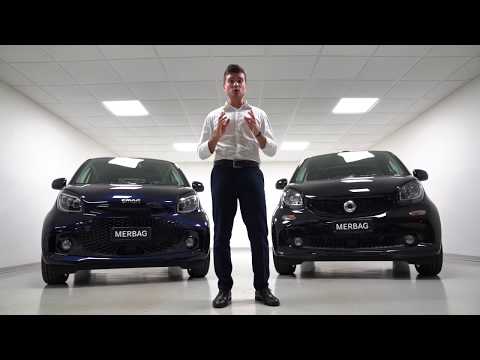
Smart
(2014-2022 /
453)
To open the hood of a Smart Fortwo car, position yourself in front of the car and locate the two levers located on the bumper grille, then remove the…
Smart
(2007-2015 /
451)
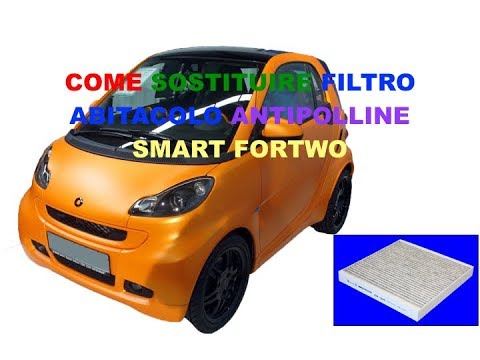
The replacement of the cabin filter of the Smart Fortwo 451 takes about 20 minutes of work. The filter is located inside the passenger compartment, n…
Smart
(2007-2015 /
451)
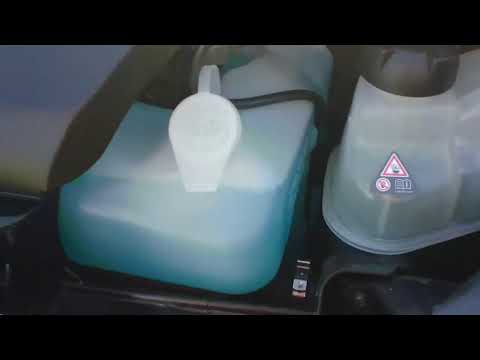
Before we can start, we will have to get out of the cockpit of our Smart ForTwo, and then, we will have to head towards the front of the car. So let'…
Other guides you may be interested in
|
Replacing the Air Conditioning Fuse on Citroen C3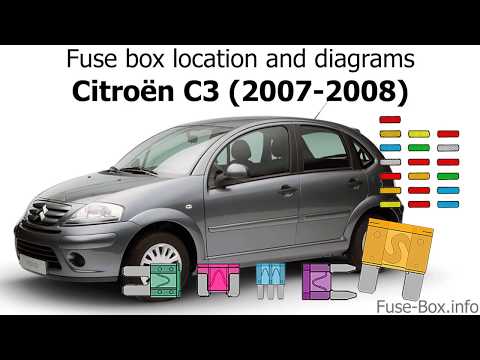
To replace the air conditioning fuse on the C3, locate the fuse position. Use a plastic lever to remove the cover located in the dashboard under the steering wheel (left side), then use pliers to pull out the damaged fuses in the compartment. Once this is done, insert the new fuses into the appropriate slots in the compartment. Finally, close the fuse inspection box with the cover and test for proper operation. You can also find fuses inside the glove compartment on the right side of the dashboard (remove the drawer if necessary). by ScegliAuto More videos
|

|
For advertising on this site Write to info@scegliauto.com
ScegliAuto is not responsible for any inaccuracy of the data in the lists. To report any inaccuracy or your business (if you own the business in question), please write to info@scegliauto.com
Number of seconds to generate the page: 0.060
(c) ScegliAuto 2026 - info@scegliauto.com - Privacy policy VAT number: IT01247470535 |
