
|
Do it yourself
| |||
| ||||



How to Remove the Rear Bumper on a Smart Fortwo (451)
Model: Smart Smart
451
- Years:
2007, 2008, 2009, 2010, 2011, 2012, 2013, 2014, 2015
Video tutorial
The rear bumper on a Smart Fortwo 451 covers a large area at the back of the car, including the rear lights, fuel cap, and rear wings. First, on the inner side of the rear wheel arch towards the door, you will notice a screw fixing the underbody panel to the car; this needs to be removed to partially detach the panel and access the two screws fixing the lower part of the bumper to the car. After removing the screws from the wings on both sides, proceed to unscrew the two easily visible screws on the lower part of the bumper and a third screw located centrally under the tailgate. Once these screws are removed, lower the tailgate to access another two screws located on the inner side of the rear lights, which need to be removed on both sides. After removing these last four screws, disconnect the power connectors of the rear lights, which will be accessible through the plastic covers on the side inside the boot; once opened, they will give access to the rear of the lights. After disconnecting the connectors, remove the fuel cap and then start detaching the bumper from the lower part of the wheel arch; this will be secured around its perimeter with plastic clips that can be released by gently prying with your hands. When you reach the fuel cap area, there will be a power connector controlling the fuel cap door, which can be easily disconnected by reaching inside the wheel arch as you detach it. Now the bumper will be free from any obstruction, and you can proceed to detach it completely from the car; as it is quite bulky, it is advisable to carry out this operation with the help of another person.
Updated on 21 March 2026 by ScegliAuto
Related tutorials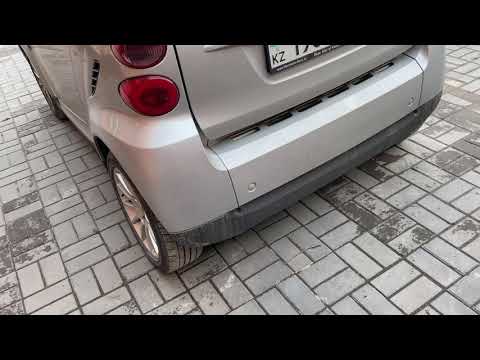
Smart
(2007-2015 /
451)
Before starting, open the rear hatch of the boot on your Smart ForTwo. Start by unscrewing and removing the screws that secure the rear bumper to the…
Smart
(2007-2015 /
451)
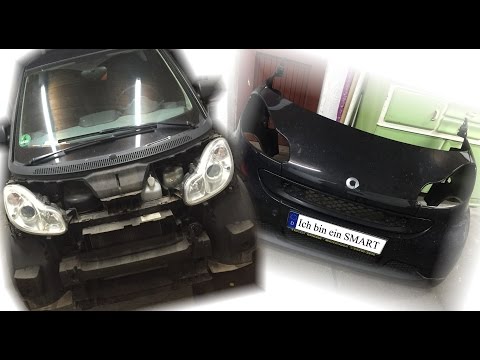
In this guide, we will discover how to remove and replace the front bumper or panel of the Smart Fortwo 451 by following these simple steps. First, s…
Smart
(2007-2015 /
451)
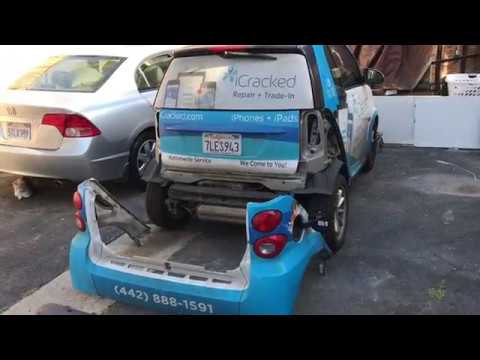
In this tutorial, you will see how to remove and then replace the rear bumper on a Smart ForTwo 451, a very simple and quick operation. You will need…
Other guides you may be interested in
|
How to replace the battery in the key of the Opel Corsa F
To independently replace the battery inside the key of your Opel Corsa F, you only need a few minutes. All you have to do is carefully read the following guide and apply the described steps. First, ensure you have a small flat screwdriver and, of course, a new compatible button battery for your Opel Corsa F key. At this point, use the flat screwdriver to remove the rear cover of the key and take out the old battery. Finally, insert the new battery and close the cover. by ScegliAuto More videos
|
|
For advertising on this site Write to info@scegliauto.com
ScegliAuto is not responsible for any inaccuracy of the data in the lists. To report any inaccuracy or your business (if you own the business in question), please write to info@scegliauto.com
Number of seconds to generate the page: 0.037
(c) ScegliAuto 2026 - info@scegliauto.com - Privacy policy VAT number: IT01247470535 |
