
|
Do it yourself
| |||
| ||||


How to adjust the time on a Smart Fortwo 451
Model: Smart Smart
451
- Years 2007-2015
Let's see in this video the instructions to be able to set the clock in a Smart Fortwo 451, following these simple instructions. First we get inside the car and turn on the ignition by turning the key; then we press the button on the right that we find on the instrument panel and keep it pressed until our time starts flashing. At this point with the button on the left we can go to adjust the time, as shown in the video; On the other hand, it is possible to adjust the manual clock on the dashboard by pressing the buttons on the back of the instrument!
Posted on 2 December 2020 by ScegliAuto
This video is currently unavailable
Related tutorials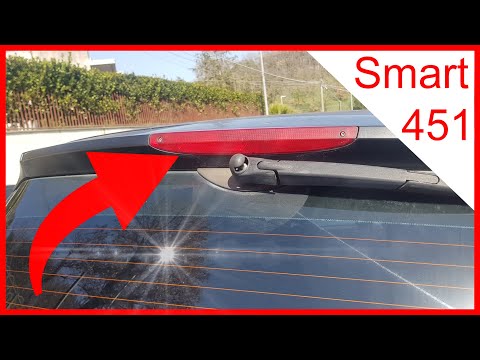
Smart
(2007-2015 /
451)
Before we can start, we will have to get out of the cockpit of our Smart ForTwo 451, and then head towards the rear of the car. So let's start by uns…

Smart
(2007-2015 /
451)
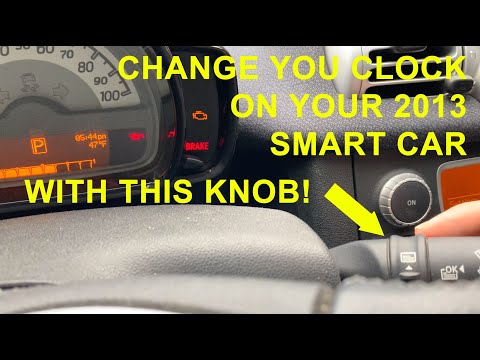
These short and simple instructions will show us how to adjust the time on the display of the Smart Fortwo instrument panel. First, we get into the c…
Smart
(2007-2015 /
451)
In this tutorial we can see how to set the time in the Smart ForTwo 451, a very simple and fast operation, to be carried out after being left with th…
Other guides you may be interested in
|
How to Change the Oil in the Transmission of a Volvo XC70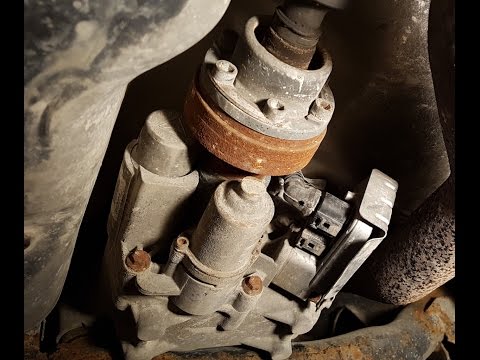
Watch this video to learn how to change the oil in the transmission of a Volvo XC70. Position your car on a column lift and raise it to a comfortable height for disassembly. To change the transmission oil, you need to remove the bolts using a socket spanner. (follow the video) Once the bolts are removed, let the fluid drain into a container. Prepare to refit all the bolts on the transmission with the socket spanner, then top up with the appropriate transmission fluid. Finally, test the correct operation of the transmission. by ScegliAuto More videos
|

|
For advertising on this site Write to info@scegliauto.com
ScegliAuto is not responsible for any inaccuracy of the data in the lists. To report any inaccuracy or your business (if you own the business in question), please write to info@scegliauto.com
Number of seconds to generate the page: 0.138
(c) ScegliAuto 2026 - info@scegliauto.com - Privacy policy VAT number: IT01247470535 |
