
|
Do it yourself
| |||
| ||||


How to replace the headlight of a Smart
Model: Smart Smart
451
- Years 2007-2015
Before we can start, we will have to get out of the cockpit of our Smart, and we will have to head towards the front. So let's start by unhooking the hooks that secure the front hood, and then remove it. By doing so, we will have reached the rear of the light. We then proceed by going to remove the rear cover of the bulb. Next, we will have to go and pull the bulb outward from the plug. By doing so, we will have reached the light bulb. At this point, we will have to disconnect the relative electrical connector, and we will have finished the disassembly. To fit the new bulb and close everything, we will have to follow this procedure in reverse, and the replacement will be finished.
Posted on 6 January 2021 by ScegliAuto
Video tutorial
Related tutorials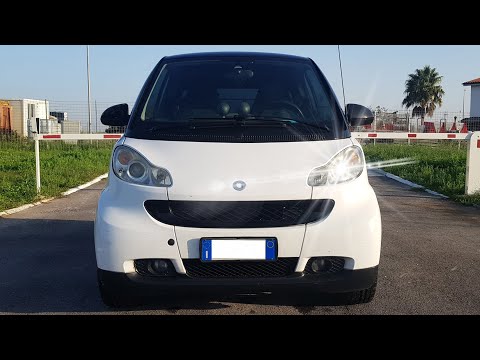
Smart
(2007-2015 /
451)
In this video, change the bulb of the compact Smart Fortwo. The process is very simple and takes only a few minutes: first, remove the engine cover o…
Smart
(2007-2015 /
451)
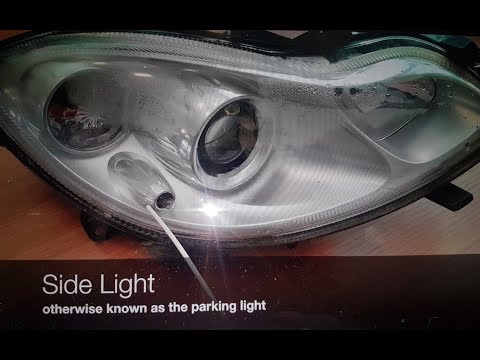
In this video, we will see how to replace damaged bulbs in a Smart Fortwo headlight. Once you have the headlight removed, as shown in the video, loca…
Smart
(2007-2015 /
451)
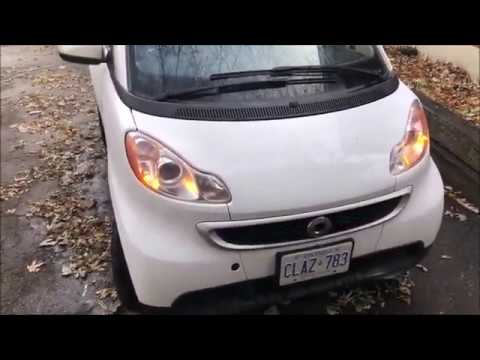
The replacement of the front headlight bulb of the Smart 451 is done by lifting the hooks located on the sides of the grille: once these hooks have b…
Other guides you may be interested in
|
How to Remove the Original Radio from a Renault Trafic
How to remove the original radio from a Renault Trafic? Follow this video closely to perform the removal: use the original or aftermarket metal keys to detach the stereo, insert the keys into the holes on the plastic cover of the stereo, pull the stereo towards you as shown in the video, and extract the radio while being careful of the various wiring (disconnect the power connectors and the antenna cable). Finally, reinstall the original radio or a generic brand with the appropriate adapter for the input and connector. by ScegliAuto More videos
|

|
For advertising on this site Write to info@scegliauto.com
ScegliAuto is not responsible for any inaccuracy of the data in the lists. To report any inaccuracy or your business (if you own the business in question), please write to info@scegliauto.com
Number of seconds to generate the page: 0.093
(c) ScegliAuto 2026 - info@scegliauto.com - Privacy policy VAT number: IT01247470535 |
