
|
Do it yourself
| |||
| ||||


Replacing Brake Pads on Smart 450
Model: Smart Smart
450
- Years 1998-2007
Loosen the bolts securing the affected front wheel, lift the car with a jack, and completely unscrew the aforementioned bolts to remove the wheel. Using a 17 mm and a 13 mm spanner, detach the pin holding the brake caliper with the pads to the disc. At this point, it is straightforward to extract the worn pads. Push the piston to widen the space for the new pads, which will obviously be thicker than the removed ones. Insert them and work backwards until fully reassembled. Repeat the process on the other front wheel.
Updated on 15 April 2026 by ScegliAuto
Video tutorial
Related tutorials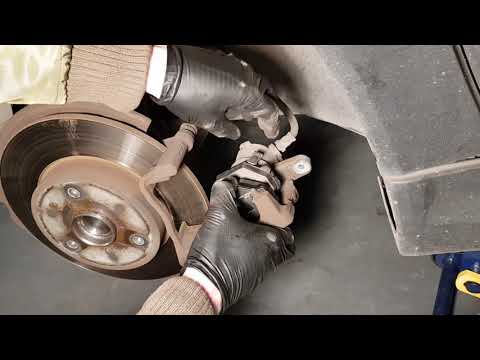
Smart
(2007-2015 /
451)
Replacing damaged brake pads on a Smart Fortwo? Here’s how to remove them. Lift the car on a column lift to the desired height, then remove the wheel…
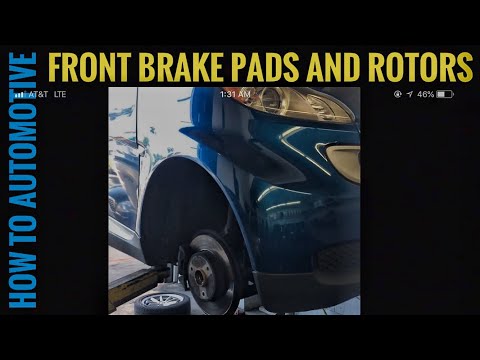
Smart
(2007-2015 /
451)
Worn brake pads? Here’s how to remove them on a Smart Fortwo. Lift the car on a column jack to the desired height: remove the wheel with the respecti…
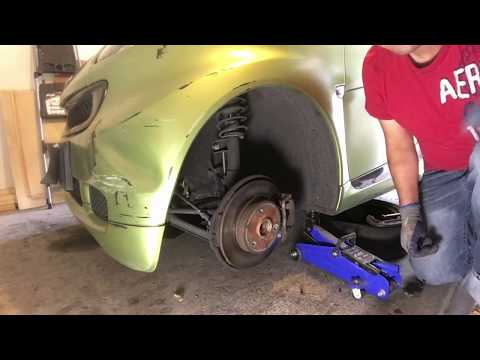
Smart
(2007-2015 /
451)
Replace the worn front brake pads on the Smart Fortwo. Remove the front wheel, unscrew the caliper locking bolt, and remove the caliper from the whee…
Other guides you may be interested in
|
How to Adjust the Brightness of the Instrument Cluster on a Peugeot 3008?
To adjust the brightness of the instrument cluster on a Peugeot 3008, you need to turn on the ignition and access the settings via the menu located in the central area of the dashboard. In the screen that appears, select the "Display Configuration" option: now, by selecting the "Brightness" option, you can adjust it using the dedicated slider that will appear on the screen. The adjustment should be made with the headlights on as well as with them off. Once the adjustment is complete, you can turn off the instrument cluster. by ScegliAuto More videos
|
|
For advertising on this site Write to info@scegliauto.com
ScegliAuto is not responsible for any inaccuracy of the data in the lists. To report any inaccuracy or your business (if you own the business in question), please write to info@scegliauto.com
Number of seconds to generate the page: 0.281
(c) ScegliAuto 2026 - info@scegliauto.com - Privacy policy VAT number: IT01247470535 |
