
|
Do it yourself
| |||
| ||||


How to reset the maintenance (service) light on the Smart Fortwo 451
Model: Smart Smart
451
- Years 2007-2015
In today's video tutorial we will see the steps that will allow us to reset the oil change routine maintenance service light on a Smart Fortwo 451. First of all we get on board the car and start by turning on the ignition, turning the key to position one; now we press the left button that we find on the instrument panel, and then turn off the panel, as shown in the video. At this point we turn the button back on and hold it down until the new kilometers that can be traveled appear on the instrument panel display; in this way we will have correctly reset the spy!
Posted on 13 August 2021 by ScegliAuto
Video tutorial
Related tutorials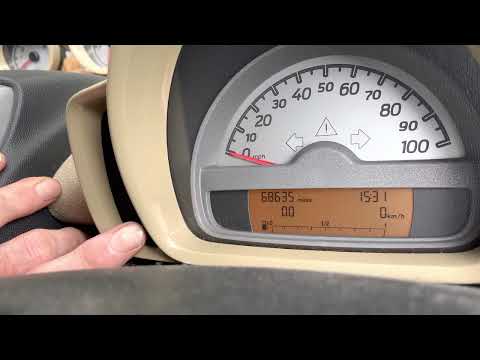
Smart
(2007-2015 /
451)
In the following guide dedicated to your Smart ForTwo 451 (2007-2015) we will give you all the necessary information so that you can manually reset t…
Smart
(2007-2015 /
451)
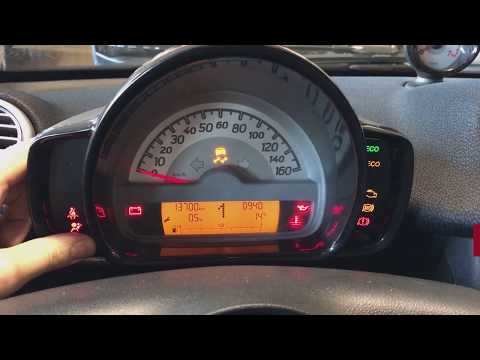
Let's see how to reset the service maintenance light of a Smart Fortwo. Very simple operation: enter the car body, turn on the instrument panel (we w…
Smart
(2007-2015 /
451)
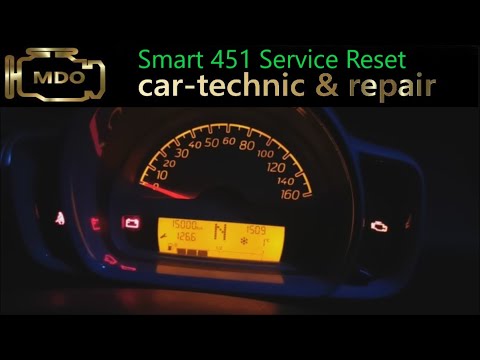
Resetting the service warning light in the Smart ForTwo 451 is a very simple and fast operation, in this video we can see how to proceed. Obviously, …
Other guides you may be interested in
|
How to Remove the Stereo from a Hyundai i20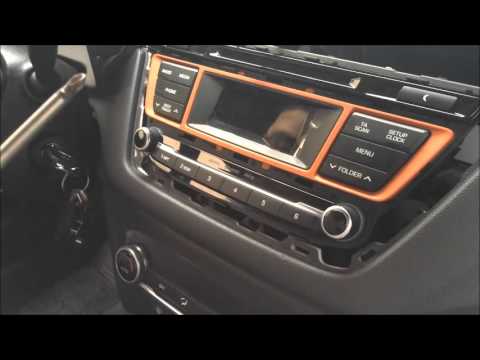
Want to remove the stereo from your Hyundai but don’t know how? In this video, see how to remove the original stereo from your car. First, remove the dashboard cover plastics using a plastic tool, then detach the central frame of the stereo (where the air vents are located) along with the related clips of the control buttons. Once the stereo is free from constraints, unscrew the fastening screws on its sides. Pull the stereo out by hand and disconnect the cables (power and antenna). To reassemble, proceed in reverse. by ScegliAuto More videos
|

|
For advertising on this site Write to info@scegliauto.com
ScegliAuto is not responsible for any inaccuracy of the data in the lists. To report any inaccuracy or your business (if you own the business in question), please write to info@scegliauto.com
Number of seconds to generate the page: 0.103
(c) ScegliAuto 2026 - info@scegliauto.com - Privacy policy VAT number: IT01247470535 |
