
|
Do it yourself
| |||
| ||||


How to remove the heating radiator in the Smart ForTwo 450?
Model: Smart Smart
450
- Years 1998-2007
In this video tutorial we can see how to remove the heating radiator in the Smart ForTwo 450. To do this, we need to remove the entire front of the car. We start by removing the grille, unscrew the antenna placed on the driver's side and remove the plastic panels of the mirrors. At this point, we unscrew the last bolts and disconnect the arrows. With the front bodywork removed, we proceed by removing the headlights and all other indicated parts. To remove the radiator, we first unlock the clips indicated, unscrew the fixing Torx screws, disconnect the temperature sensor connector and finally unscrew the pipe joint.
Posted on 7 December 2021 by ScegliAuto
Video tutorial
Related tutorials
Smart
(1998-2007 /
450)
Today we see how to replace the radiator of the heating system of the Smart Fortwo 450. To access the radiator we must remove the entire dashboard. L…

Smart
(1998-2007 /
450)
Today we will see the main steps that will allow us to disassemble and replace the cooling radiator of the Smart Fortwo. First, we open the front hoo…
Smart
(1998-2007 /
450)
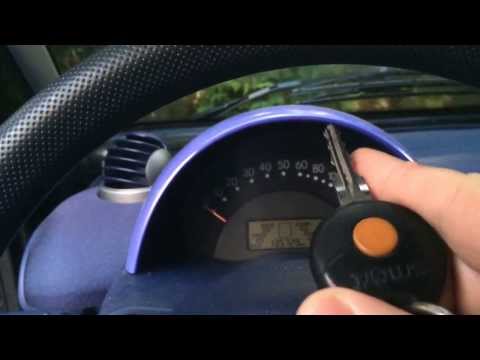
Let's see in this guide some of the useful tips for starting the vehicle with a cold engine, when the climatic conditions are critical; in particular…
Other guides you may be interested in
|
Reset Engine Light on Fiat 500L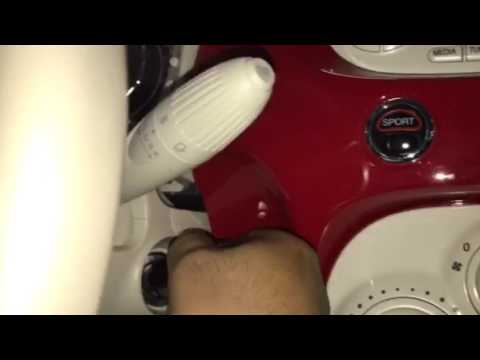
Want to reset the engine light on a Fiat 500L? Turn on the ignition with the key, press the accelerator pedal three times in quick succession (then release the pedal), and turn off the instrument cluster with the key. Turn the instrument cluster back on with the key and wait for it to illuminate (check if the light is present or not). Finally, check the changes made to the car. Always remember to make changes to the onboard computer while the vehicle is stationary and turned off. Use the instrument cluster for all types of car settings. by ScegliAuto More videos
|
For advertising on this site Write to info@scegliauto.com
ScegliAuto is not responsible for any inaccuracy of the data in the lists. To report any inaccuracy or your business (if you own the business in question), please write to info@scegliauto.com
Number of seconds to generate the page: 0.075
(c) ScegliAuto 2026 - info@scegliauto.com - Privacy policy VAT number: IT01247470535 |
