
|
Do it yourself
| |||
| ||||


How to Start the Engine on the Smart ForTwo?
Model: Smart Smart
450
- Years:
1998, 1999, 2000, 2001, 2002, 2003, 2004, 2005, 2006, 2007
Video tutorial
Starting the engine of the Smart ForTwo 450 is very simple. First, insert the key into the ignition and turn it to the second position to activate the instrument cluster. Next, ensure the gearbox is in neutral, with the lever in the central position. Press the brake pedal and start the engine. If the engine does not start despite meeting all the previous conditions, press the door unlock button on the remote and repeat the procedure.
Updated on 11 May 2026 by ScegliAuto
Related tutorials
Smart
(2007-2015 /
451)
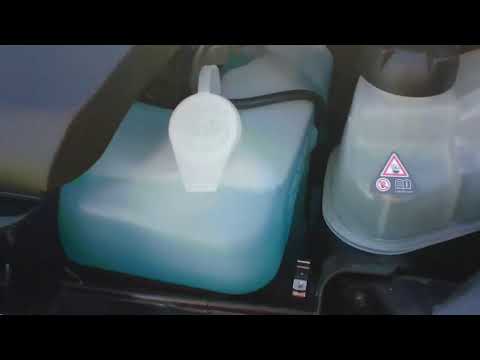
If the Smart Fortwo won't start, the most common problem is related to the crankshaft position sensor. This happens because the sensor mounted on the…
Smart
(2007-2015 /
451)
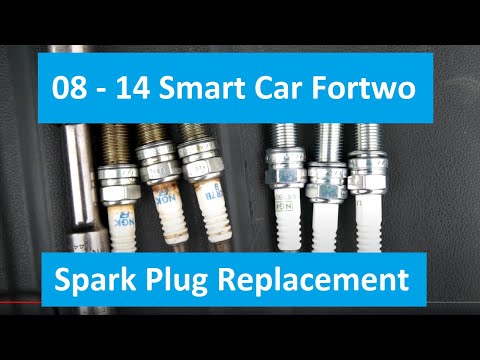
Before you begin, exit the cabin of your Smart ForTwo and head to the front of the car. Start by releasing the catches located inside the front grill…
Smart
(2007-2015 /
451)
Before you start, open the rear hatch of your Smart ForTwo. Begin by removing the engine cover. Next, unscrew and remove the bolts securing the conne…
Other guides you may be interested in
|
Frequently Asked QuestionsWhere are the fuses located on the Renault Laguna?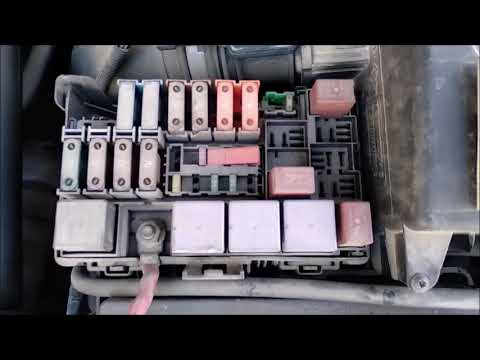
On the Renault Laguna, the fuses are located inside the fuse boxes installed in the vehicle: in this car model, you will find two boxes for containing the fuses. The first is in the fuse box on the left side of the dashboard, accessible by opening the driver's door: here you will find the fuses for the windscreen wipers, fog lights, horn, etc. The second box is located on the right side of the engine compartment: here you will find the fuses for the dipped headlights, radiator fan, alternator, etc. by ScegliAuto More videos
|
|
For advertising on this site Write to info@scegliauto.com
ScegliAuto is not responsible for any inaccuracy of the data in the lists. To report any inaccuracy or your business (if you own the business in question), please write to info@scegliauto.com
Number of seconds to generate the page: 0.097
(c) ScegliAuto 2026 - info@scegliauto.com - Privacy policy VAT number: IT01247470535 |
