
|
Do it yourself
| |||
| ||||


How to replace the remote control battery of the Smart
Model: Smart Smart
451
- Years 2007-2015
In today's video we see how to replace the battery of the Smart 451 remote control. First, let's equip ourselves with a battery of the same type, that is a 3v CR 2016; we can buy it both online and in physical stores. So let's proceed with our work. We release the body from its pins, being careful. On the one hand we have the operating mechanism while on the other we find the battery. Let's extract it and then help ourselves with a screwdriver if we can't. Insert the new unit and proceed to test the remote. If it works correctly we can reassemble the unit.
Posted on 9 November 2022 by ScegliAuto
Video tutorial
Related tutorials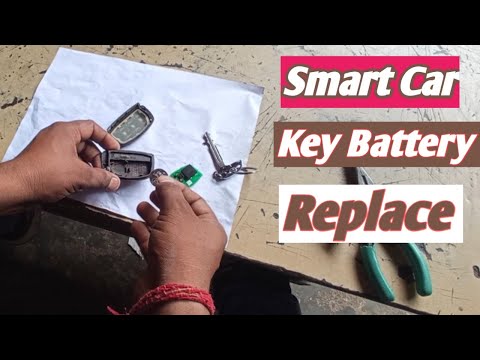
Smart
(2007-2015 /
451)
Replacing the battery of a Smart key is a very simple operation that can be done independently, thanks also to our video guide. Let's start the key r…
Smart
(2007-2015 /
451)
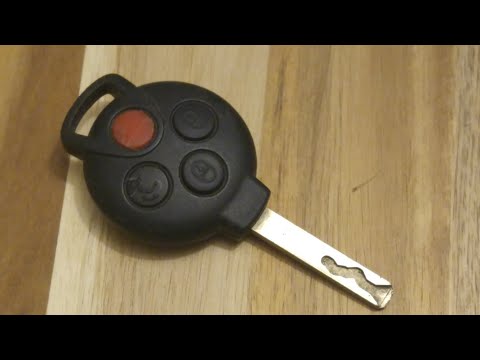
In this video tutorial we will see how to remove and replace the remote control key battery of a Smart 450 and 451, in simple steps. To do this we fi…
Smart
(2014-2022 /
453)
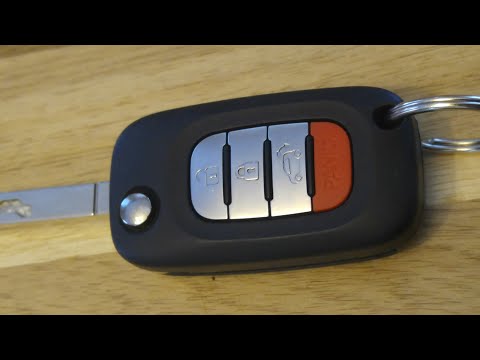
In this short video we will see how to replace the remote control battery of the New Smart ForTwo 453. The procedure is very simple, let's prepare a …
Other guides you may be interested in
|
Frequently Asked QuestionsHow to Replace the Fan Resistor on a Renault Scenic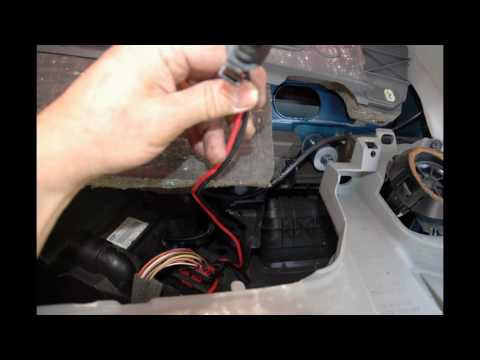
How to replace the fan resistor on a Renault Scenic. In this video, learn how to perform the disassembly: use a lever to remove the plastic under the glove compartment, and unscrew the cover (where the resistor is located) with a screwdriver. Disconnect the large connector of the resistor, then pull it out from the cabin. Insert a new fan resistor (connect the power connector). Finally, refit the cover and tighten the screws. Check the correct assembly of the previously fitted parts and test the correct operation of the fan. by ScegliAuto More videos
|

|
For advertising on this site Write to info@scegliauto.com
ScegliAuto is not responsible for any inaccuracy of the data in the lists. To report any inaccuracy or your business (if you own the business in question), please write to info@scegliauto.com
Number of seconds to generate the page: 0.082
(c) ScegliAuto 2026 - info@scegliauto.com - Privacy policy VAT number: IT01247470535 |
