
|
Do it yourself
| |||
| ||||


How to Replace the Battery in a Smart Key
Model: Smart Smart
451
- Years 2007-2015
Replacing the battery in a Smart key is a very simple operation that can be done independently, also thanks to our video guide. Start by removing the metal security key located inside the remote. Simply pull it out. Once the security key is removed, proceed to open the remote. To open the remote, gently lever on the lower right side. With the remote open, you can remove the microchip and the battery. Insert the new battery and close the remote.
Updated on 14 September 2026 by ScegliAuto
Video tutorial
Related tutorials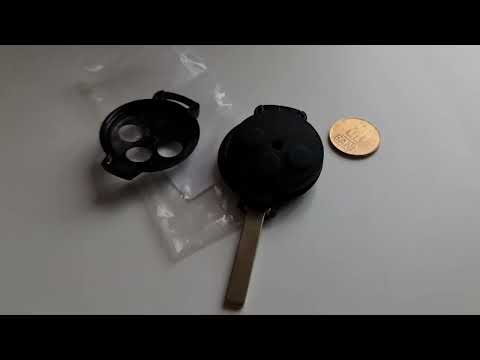
Smart
(2007-2015 /
451)
If the key for your Smart 451 has suddenly stopped working, it is likely that the small button battery inside has completely drained. In this guide, …
Smart
(2004-2006 /
454, Fourfour1)
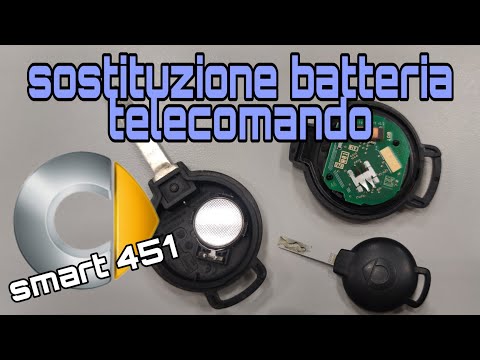
In this video, see how to disassemble the key of the Smart Fortwo and Forfour to replace the exhausted battery. Start by getting a screwdriver (or an…
Smart
(2007-2015 /
451)
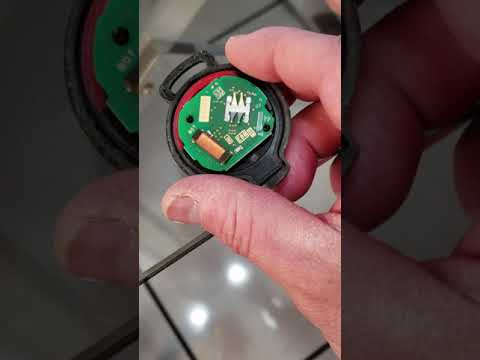
Today, you will learn how to open the key remote and replace the internal battery of a Smart Fortwo 451; this operation is very simple and does not r…
Other guides you may be interested in
|
Frequently Asked QuestionsHow to Reset the Central Locking of the Volkswagen Golf 4?
If the central locking system of the Volkswagen Golf 4 is not working, it is likely necessary to reset the system: to do this, open the driver's door and detach the side panel of the dashboard next to the steering wheel. Under this panel, you will find the fuses, including the one for the central locking, which is indicated in the manual as number 14. To reset the system, remove this fuse from its housing, then reinsert it or replace it with a new one of the same amperage: this will reset the central locking system. by ScegliAuto More videos
|

|
For advertising on this site Write to info@scegliauto.com
ScegliAuto is not responsible for any inaccuracy of the data in the lists. To report any inaccuracy or your business (if you own the business in question), please write to info@scegliauto.com
Number of seconds to generate the page: 0.226
(c) ScegliAuto 2026 - info@scegliauto.com - Privacy policy VAT number: IT01247470535 |
