
|
Do it yourself
| |||
| ||||


Set the clock on the Smart 451
Model: Smart Smart
451
- Years 2007-2015
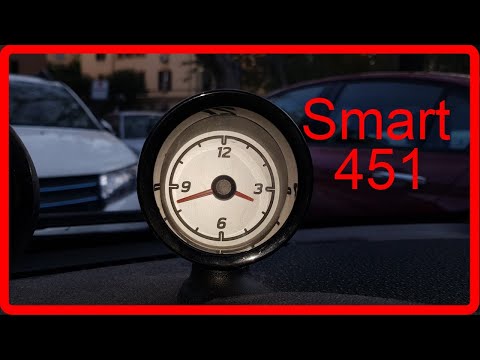
The Smart 451 is equipped with two unrelated clocks. One is digital and can be found on the instrument panel display while the other is analog and is installed in the center of the dashboard. The video shows us how to adjust the time on both. Let's start with the digital one. After turning on the instrument cluster we must hold down the lever to the right of the latter for a few seconds. We release it the moment we see the digital clock flash. Now we repeatedly press the same lever to scroll the minutes until the correct time is displayed. To adjust the analog clock we must instead rotate the pegs installed on the back of the same.
Posted on 1 December 2022 by ScegliAuto
Video tutorial
Related tutorials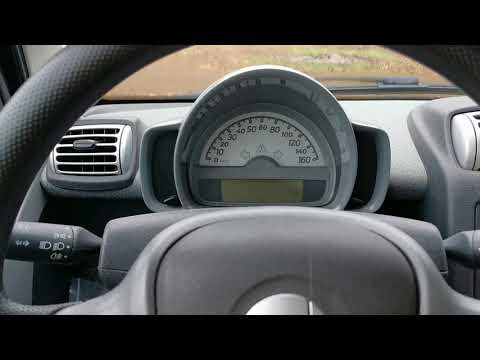
Smart
(2007-2015 /
451)
In today's tutorial we will see how to adjust the clock of our Smart 451. Sitting in the driver's seat, turn on the instrument panel and press the bu…

Smart
(2007-2015 /
451)
Let's see in this video the instructions to be able to set the clock in a Smart Fortwo 451, following these simple instructions. First we get inside …
Smart
(2007-2015 /
451)
We see in this video a simple operation but that can be very useful if we have a Smart Fortwo 451, the second series of the German 2-seater city car.…
Other guides you may be interested in
|
How to Remove the Door Panel from a Renault Clio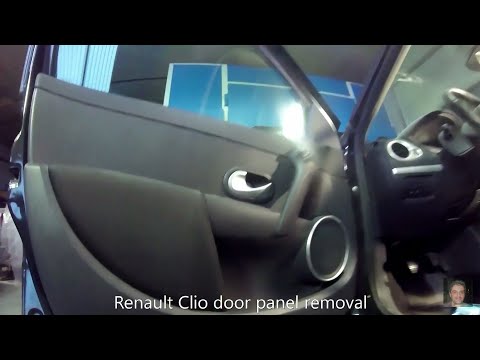
How to remove the panel from a Renault Clio? Don't worry, let's see together in this video how to proceed. Before starting the disassembly, disconnect the battery terminals located in the engine bay. Begin the disassembly: remove the plastic cover of the handle with a lever, then use a screwdriver to unscrew the internal door handle and the screws located there. Once removed, take out the window switch button, unscrew the internal door opening lever. Detach the door panel and disconnect the speaker. Be careful not to lose any of the clips behind the plastic panel you removed earlier. Replace the part and reassemble everything in reverse order. by ScegliAuto More videos
|

|
For advertising on this site Write to info@scegliauto.com
ScegliAuto is not responsible for any inaccuracy of the data in the lists. To report any inaccuracy or your business (if you own the business in question), please write to info@scegliauto.com
Number of seconds to generate the page: 0.088
(c) ScegliAuto 2026 - info@scegliauto.com - Privacy policy VAT number: IT01247470535 |
