
|
Do it yourself
| |||
| ||||


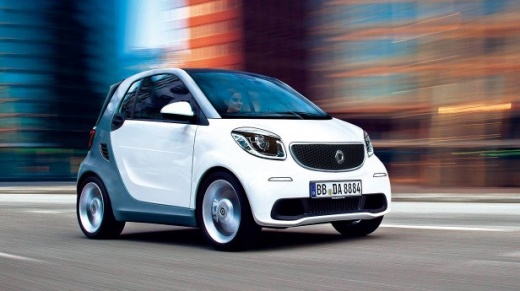
How to Reset the Tyre Pressure Warning Light on the Smart
Model: Smart Smart
- Years:
2014, 2015, 2016, 2017, 2018, 2019, 2020, 2021
Video tutorial
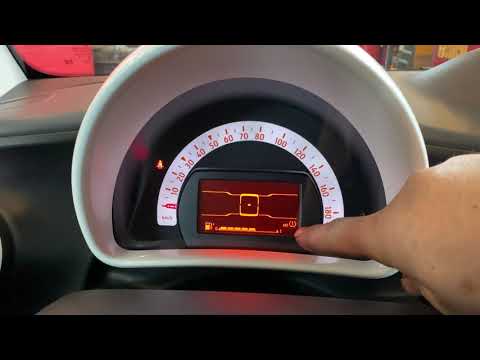
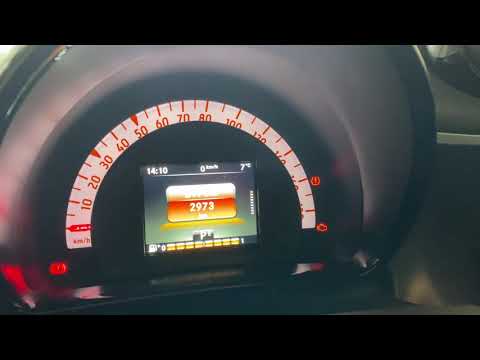
When the low tyre pressure warning light illuminates on the dashboard, first check the inflation pressures of all four tyres and, if necessary, restore the values recommended by the manufacturer. Then, reset the error message using the controls on the left side of the steering wheel, specifically the up and down arrows and the OK button. Press the OK button and use the arrow to select "Modify Settings". Press OK again and scroll with the arrow until you select "Tyre Pressure Check" and press OK once more. You will then be asked to confirm the new pressure, and press OK to confirm.
Updated on 30 June 2026 by ScegliAuto
Related tutorials
Smart
(2014-2022 /
453)
To reset the tire pressure warning light on the Smart ForTwo, you will need to inflate the tires until they reach the recommended pressure value: thi…
Smart
(2007-2015 /
451)
To reset the tyre pressure warning light in the Smart ForTwo, inflate the tyres to the optimal pressure value: this value is indicated on the sticker…
Smart
(2014-2022 /
453)
This short video teaches you how to reset the tyre pressure warning light in a Smart Fortwo. The activation of this light indicates an anomaly in the…
Other guides you may be interested in
|
How to replace the battery in the key of the Opel Corsa F
To independently replace the battery inside the key of your Opel Corsa F, you only need a few minutes. All you have to do is carefully read the following guide and apply the described steps. First, ensure you have a small flat screwdriver and, of course, a new compatible button battery for your Opel Corsa F key. At this point, use the flat screwdriver to remove the rear cover of the key and take out the old battery. Finally, insert the new battery and close the cover. by ScegliAuto More videos
|
|
For advertising on this site Write to info@scegliauto.com
ScegliAuto is not responsible for any inaccuracy of the data in the lists. To report any inaccuracy or your business (if you own the business in question), please write to info@scegliauto.com
Number of seconds to generate the page: 0.031
(c) ScegliAuto 2026 - info@scegliauto.com - Privacy policy VAT number: IT01247470535 |
