
|
Do it yourself
| |||
| ||||


How to install the bike rack on a Smart 450/451.
Model: Smart Smart
451
- Years 2007-2015
In this video, we see how it is possible to install a bike rack specifically designed for Smart 450/451. It is called the Rack4smart, which can be found on eBay with the code 165533297044, priced at 205,000 euros + 20.00 euros for shipping. First, we join together the two halves of the tube and insert the bolts into the lower terminals of the square tube on both sides. Now, we remove the caps on the rear bumper of the car; align the assembled piece in the holes and secure them by turning them clockwise, then remove the keys from the bolts. In the upper part of the "u" support, we insert the bike support by fixing it with the appropriate screw support from the back, on both sides. We attach a safety strip to the rear window of the car. Now, we can load our bike by securing it with the appropriate supports.
Posted on 29 August 2023 by ScegliAuto
Video tutorial
Related tutorials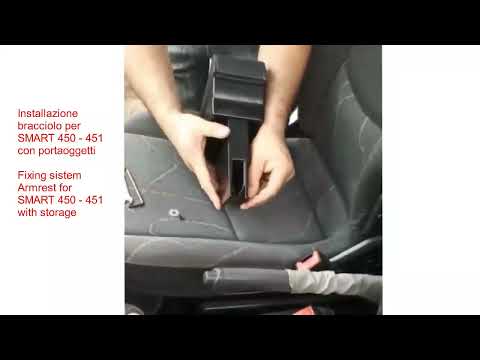
Smart
(2007-2015 /
451)
Let's see how to easily install an armrest on a Smart 450/451 without making any holes. We can find it on Amazon for 46.99 (including delivery costs)…
Smart
(1998-2007 /
450)
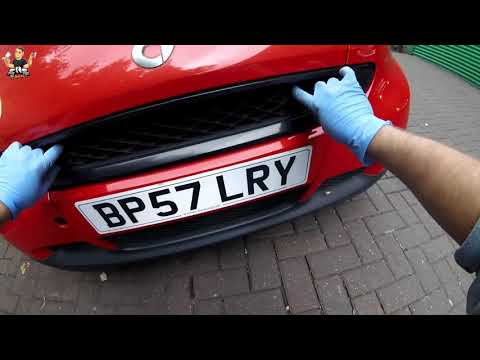
In this video tutorial we will see the instructions to open the front hood on a Smart Fortwo 450 and 451, in simple and quick steps. To open the fron…
Smart
(1998-2007 /
450)
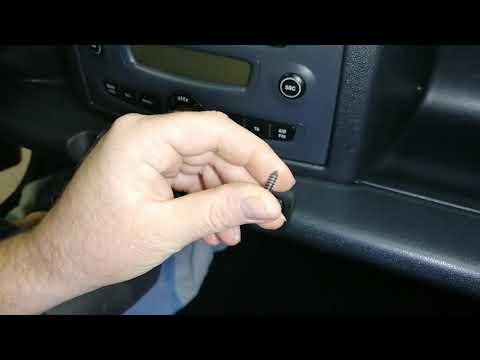
Let's see in this video how to disassemble the original car radio on a Smart Fortwo 450 and 451, first and second series respectively. First of all w…
Other guides you may be interested in
|
How to Remove the Air Vents on an Alfa Romeo 159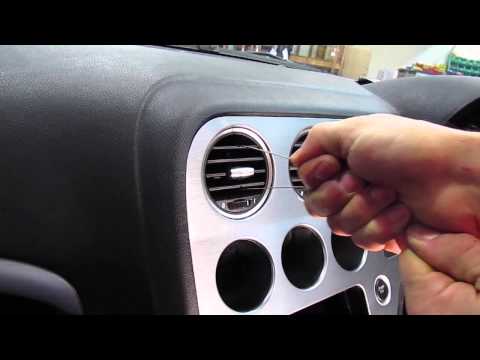
This video shows how to remove the air vents on an Alfa Romeo 159. Start by using a plastic trim tool to detach the air vents located in the central dashboard; if you have difficulty, obtain metal hooks (as shown in the video) and insert them into the air vent. Once the two hooks are secured to the edges of the air vent, pull them out with your hands until the vent is removed from its housing. Repeat this procedure for the other air vents present on the car's dashboard. Finally, install the new vents. by ScegliAuto More videos
|

|
For advertising on this site Write to info@scegliauto.com
ScegliAuto is not responsible for any inaccuracy of the data in the lists. To report any inaccuracy or your business (if you own the business in question), please write to info@scegliauto.com
Number of seconds to generate the page: 0.208
(c) ScegliAuto 2026 - info@scegliauto.com - Privacy policy VAT number: IT01247470535 |
