
|
Do it yourself
| |||
| ||||


How to reset the maintenance light on the Smart Fortwo
Model: Smart Smart
451
- Years 2007-2015
When the maintenance light on the instrument panel of your Smart Fortwo continues to stay on even after the car has been serviced, you must proceed with manually resetting the light. First of all, make sure the panel is turned off when you start the procedure, then turn on the panel and press the small button located in the bottom left of the panel twice in a row. At this point, hold down the same button used previously and wait a few seconds. Finally, release the button as soon as the reset is complete and turn off the panel.
Posted on 11 August 2024 by ScegliAuto
Video tutorial
Related tutorials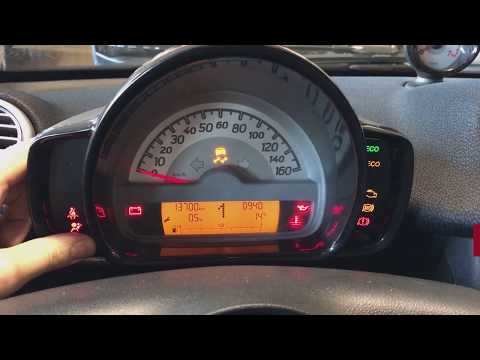
Smart
(2007-2015 /
451)
Let's see how to reset the service maintenance light of a Smart Fortwo. Very simple operation: enter the car body, turn on the instrument panel (we w…

Smart
(2014-2022 /
453)
Good morning, today I will guide you through the process of resetting the partial trip on your Smart ForTwo. To begin, let's carefully enter the car.…

Smart
(2014-2022 /
453)
Today, let's discover the instructions that will allow us to reset the ordinary maintenance warning (service) of the Smart Fortwo. First, we get into…
Other guides you may be interested in |
Frequently Asked QuestionsHow to Replace the Engine Air Filter on a Hyundai Matrix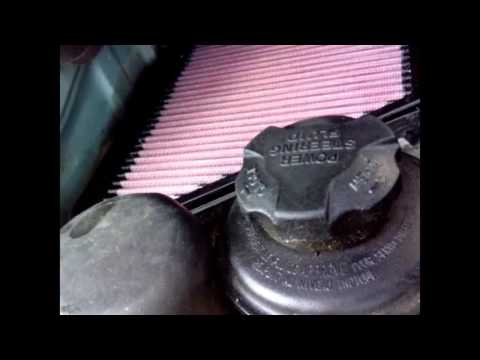
Learn how to replace the engine air filter on a Hyundai Matrix: open the car door, pull up the engine compartment release lever located at the bottom left of the dashboard, and lift the front bonnet. Secure it with the prop rod. Locate the filter box, then open the air kit (release the plastic clips) and remove the cover to extract the worn air filter. Insert a new filter into the designated housing (ensuring it fits snugly around the edges). Finally, refit the air box cover and secure it with the clips. Close the front bonnet after maintenance. by ScegliAuto More videos
|

|
For advertising on this site Write to info@scegliauto.com
ScegliAuto is not responsible for any inaccuracy of the data in the lists. To report any inaccuracy or your business (if you own the business in question), please write to info@scegliauto.com
Number of seconds to generate the page: 0.059
(c) ScegliAuto 2026 - info@scegliauto.com - Privacy policy VAT number: IT01247470535 |
