
|
Do it yourself
| |||
| ||||


How to disable the hill holder on Subaru
Model: Subaru Subaru Various
If we want to deactivate the uphill assistance system in the car we can follow the instructions in this video and in the description below. First of all it is necessary to access the passenger compartment and sit in the driver's seat, insert the ignition key in the block and turn on the ignition to be able to deactivate this driving aid, it is necessary to locate the anti-skid system deactivation button which is located on the left side of the dashboard at the bottom near the driver's side door. Then press this button and keep it pressed for at least 30 seconds, after which the yellow warning light for deactivation of the aid will come on on the instrument panel. To be able to reactivate it later, it is necessary to carry out the reverse procedure.
Posted on 27 December 2022 by ScegliAuto
Video tutorial
Related tutorials
Subaru Subaru Various
Activating and deactivating the driving assistant or Hill Hold on Subaru WRX/STI vehicles from 2015 onwards is a really simple and quick operation to…

Subaru Subaru Various
To reset the TPMS light, related to tyre pressure on a 2018 Subaru, get into the vehicle and turn on the ignition. Press the menu button located on t…

Subaru Subaru Various
The onboard computer clock of Subaru cars can be updated automatically or you can choose to manually set the time update. To set the automatic clock …
Other guides you may be interested in
|
How to Remove the Centre Console on a Renault Scenic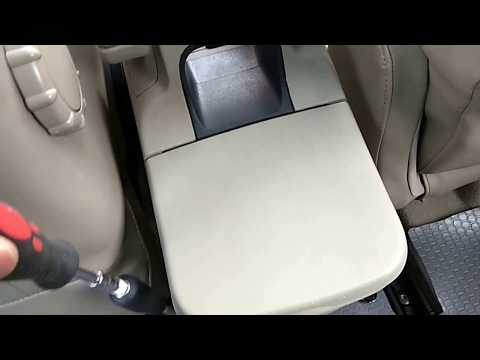
Watch this video to learn how to remove the glove compartment from the rear cover of the centre console on a Renault Scenic. Use a plastic lever to pry at the edge of the side plastics as shown in the video. Once the plastics are removed, unscrew the screws located at the sides of the centre console with a suitable screwdriver, and disconnect all the power connectors. Remove the side rests from the glove compartment. Fit the new piece onto the centre cover and proceed with the assembly of the remaining parts, working in reverse order. by ScegliAuto More videos
|
|
For advertising on this site Write to info@scegliauto.com
ScegliAuto is not responsible for any inaccuracy of the data in the lists. To report any inaccuracy or your business (if you own the business in question), please write to info@scegliauto.com
Number of seconds to generate the page: 0.120
(c) ScegliAuto 2026 - info@scegliauto.com - Privacy policy VAT number: IT01247470535 |
