
|
Do it yourself
| |||
| ||||


How to Apply a Camouflage Wrap to a Subaru Forester
Model: Subaru Forester
MK 5, SK
- Years:
2018, 2019, 2020, 2021, 2022, 2023, 2024, 2025
Video tutorial
Learn how to apply a vinyl camouflage wrap to a Subaru Forester. This is not a full wrap that covers the entire paintwork of the vehicle, but rather an artistic application of camouflage shapes that match the body colour and contours, creating a camouflaged effect without completely altering its appearance. This is a very original choice, different from merely applying a film, and it requires considerable aesthetic skills. However, even though it is more demanding, it is simpler from a material standpoint as it involves applying smaller pieces of vinyl, which reduces the likelihood of air bubbles.
Updated on 5 August 2026 by ScegliAuto
Related tutorials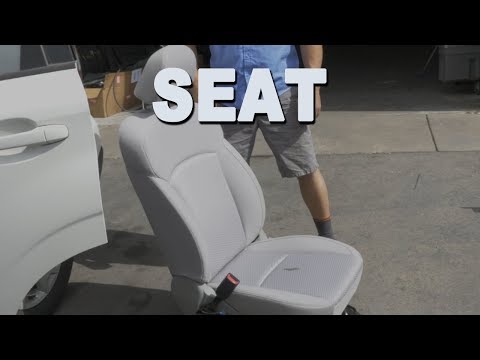
Subaru Forester
(2012-2019 /
MK 4, SJ)
Let’s discover the step-by-step instructions to dismantle the front seat of the driver or passenger in the Subaru Forester. First, open the front doo…

Subaru Forester
(2008-2011 /
MK 3, SH)
To access the fuses in the cabin of your 2010 Subaru Forester, simply follow the following procedure, which takes only a few seconds to complete. Fir…
Subaru Forester
(2018-2025 /
MK 5, SK)
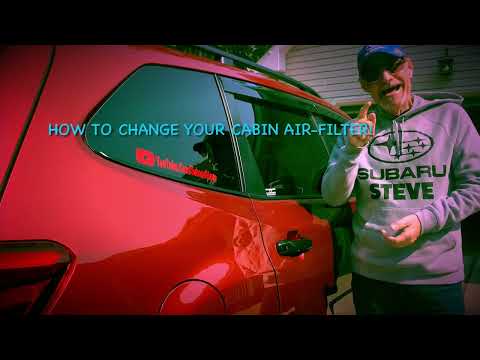
In this mini guide dedicated to your Subaru Forester fifth generation (2019-2023), we will discover how to correctly and independently replace the ca…
Other guides you may be interested in |
How to Open the Fuel Filler Flap in the Hyundai i30?
In this tutorial, you will learn how to open the fuel filler flap in the Hyundai i30, a very simple operation that follows the typical procedure of most vehicles. First, unlock the locks using the designated button on the remote, then open the driver's door, locate the release lever on the left side of the seat, and operate it. Next, move to the fuel filler flap, open it completely, unscrew the cap, and refuel as needed. To close the flap, simply press it gently. by ScegliAuto More videos
|
|
For advertising on this site Write to info@scegliauto.com
ScegliAuto is not responsible for any inaccuracy of the data in the lists. To report any inaccuracy or your business (if you own the business in question), please write to info@scegliauto.com
Number of seconds to generate the page: 0.018
(c) ScegliAuto 2026 - info@scegliauto.com - Privacy policy VAT number: IT01247470535 |
