
|
Do it yourself
| |||
| ||||


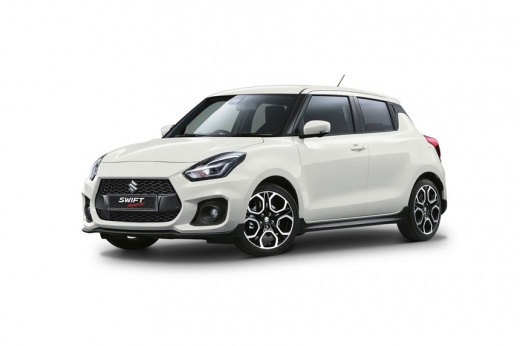
How to Remove the Multimedia Screen from a Suzuki Swift
Model: Suzuki Swift
MK 6, A2L
- Years:
2017, 2018, 2019, 2020, 2021, 2022, 2023, 2024
Video tutorial
In this video, see how to remove the multimedia screen from the stereo in a Suzuki Swift: first, remove the plastic trim located inside the dashboard. It is advisable to use a plastic spatula, not a screwdriver, which could scratch the dashboard. Once the trim is removed and all clips are intact, you will see four screws holding the screen, two external and two internal. After removing them, take the screen with both hands and pull it towards you, as it will now be completely free.
Updated on 7 October 2026 by ScegliAuto
Related tutorials
Suzuki Swift
(2017-2024 /
MK 6, A2L)
Let's see how to connect our smartphone to our Suzuki Swift using the AndroidAuto or AppleCarPlay system: from the multimedia screen, we go to press …

Suzuki Swift
(2024-2026 /
MK 4)
Let's see how to change the time on the Suzuki Swift: there are two methods. The manual one and the automatic one. The manual setting is obtained by …

Suzuki Swift
(2010-2017 /
AZG, MK 5, Rs41)
In this video, we will see how to change the time on Suzuki cars that have the same radio model, namely the Swift, Ignis, and Vitara. On these cars, …
Other guides you may be interested in |
How to Reset the Tyre Pressure Warning Light on a Kia Rio?
The tyre pressure warning light displayed on the instrument cluster of the Kia Rio can be reset by inflating the tyres until they reach the recommended pressure value: this value is indicated on the sticker affixed to the driver's door pillar. Once all tyres have been inflated to the recommended pressure, turn on the ignition to check that the light has disappeared: if it is still present, it may be necessary to drive for a few miles, allowing the sensors to work and thus turning off the light. by ScegliAuto More videos
|
|
For advertising on this site Write to info@scegliauto.com
ScegliAuto is not responsible for any inaccuracy of the data in the lists. To report any inaccuracy or your business (if you own the business in question), please write to info@scegliauto.com
Number of seconds to generate the page: 0.014
(c) ScegliAuto 2026 - info@scegliauto.com - Privacy policy VAT number: IT01247470535 |
