
|
Do it yourself
| |||
| ||||


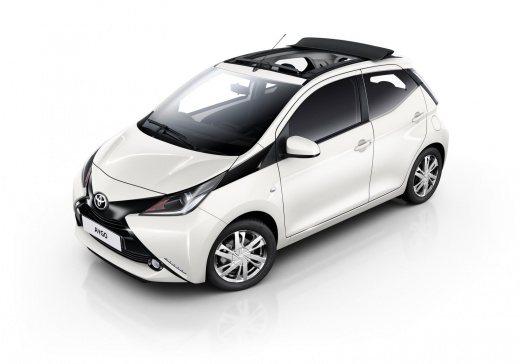
Resetting the Service Light on the Toyota Aygo
Model: Toyota Aygo
Ab40, MK 2
- Years:
2014, 2015, 2016, 2017, 2018, 2019, 2020, 2021, 2022, 2023
Video tutorial
This guide will show you the steps to reset the maintenance service light on the Toyota Aygo. First, get in the vehicle and press and hold the reset button located at the bottom right of the instrument cluster; turn the ignition key to position one, waiting for the service message and maintenance key to be reset on the instrument cluster, as illustrated in the video. At this point, turn off the instrument cluster and start the engine, completing the service reset procedure!
Posted on 19 May 2026 by ScegliAuto
Related tutorials
Toyota Aygo
(2021-2026 /
MK 3, Aygo X)
Today we will discover the instructions that will allow us to reset the maintenance (service) warning of the Toyota Aygo X. First, we get into the ca…

Toyota Aygo
(2014-2023 /
Ab40, MK 2)
To reset the tire pressure light on a Toyota Aygo, start by locating the reset button, which is found in the front passenger side glove box. Turn on …

Toyota Aygo
(2021-2026 /
MK 3, Aygo X)
To reset the "Service" light on a Toyota Aygo X, turn on the instrument panel without starting the engine. Using the controls on the steering wheel, …
Other guides you may be interested in
|
How to Activate the Disabled TRC on the Toyota Yaris?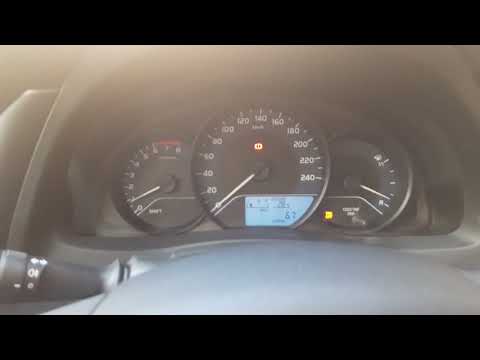
As the video clearly shows, disabling or activating the traction control (TRC or ESP) on the Toyota Yaris is very simple. By default, the traction system activates every time the vehicle is started. To disable it, simply press the button depicting a skidding car located in the centre of the vehicle where the controls are, such as the hazard lights and the radio, but near the handbrake. Once disabled, the TRC off light will illuminate on the dashboard. To reactivate it, just press the same button again. by ScegliAuto More videos
|
|
For advertising on this site Write to info@scegliauto.com
ScegliAuto is not responsible for any inaccuracy of the data in the lists. To report any inaccuracy or your business (if you own the business in question), please write to info@scegliauto.com
Number of seconds to generate the page: 0.084
(c) ScegliAuto 2026 - info@scegliauto.com - Privacy policy VAT number: IT01247470535 |
