
|
Do it yourself
| |||
| ||||


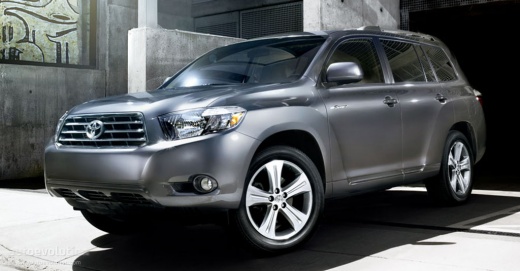
How to Replace the Rear Light Bulbs on the Toyota Highlander?
Model: Toyota Highlander
Xu40
- Years:
2008, 2009, 2010, 2011, 2012, 2013
Video tutorial
In this tutorial, we will see how to replace the rear light bulbs on the Toyota Highlander. For this operation, you will not need any special tools, just a flathead screwdriver or any equivalent tool. First, ensure that the key is not inserted, then open the tailgate and remove the small cover located on the wall of the compartment, right next to the back of the light. Once done, grasp the bulb holder and turn it slightly counterclockwise to extract it. Install the replacement bulb, avoiding direct contact with it using bare hands.
Updated on 17 June 2026 by ScegliAuto
Related tutorials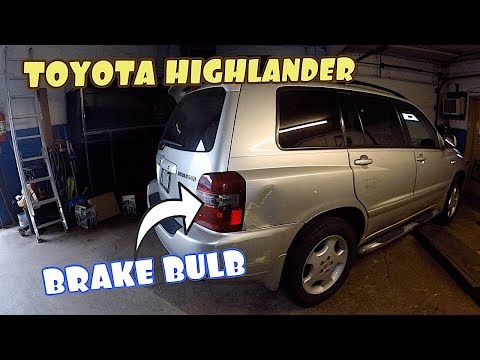
Toyota Highlander
(2001-2007 /
Xu20)
Through these brief and simple instructions, you will see how to remove and replace the bulbs in the rear lamp of a Toyota Highlander. First, open th…
Toyota Highlander
(2014-2019 /
Xu50)
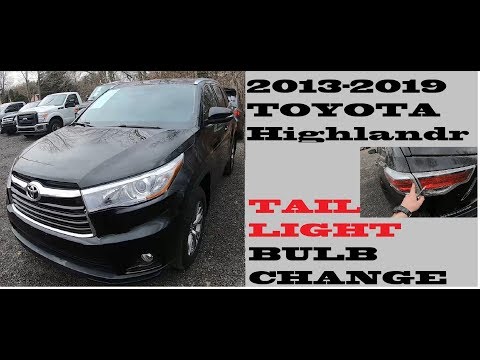
Replacing the rear headlamp bulbs on the Toyota Highlander is a straightforward task. Start by opening the tailgate and removing the plastic panel us…
Toyota Highlander
(2008-2013 /
Xu40)
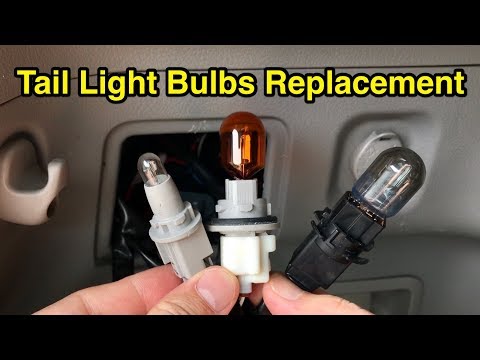
In this tutorial, you will see how to replace the brake light bulbs on a Toyota Highlander, a very simple and quick operation. First, ensure that the…
Other guides you may be interested in
|
How to Activate and Deactivate Cruise Control on the Opel Astra
Today, we will go through the steps to activate and deactivate the cruise control system on the Opel Astra, as well as on the Opel Zafira and Insignia. First, get inside the vehicle and start the engine; to activate the cruise control, you need to reach a certain minimum speed, using the controls found on the right side of the steering wheel to activate the cruise control system. Then press the right button to activate it and select the speed using the selector; simply press the brake pedal or the cruise control activation/deactivation button to disable it. by ScegliAuto More videos
|
|
For advertising on this site Write to info@scegliauto.com
ScegliAuto is not responsible for any inaccuracy of the data in the lists. To report any inaccuracy or your business (if you own the business in question), please write to info@scegliauto.com
Number of seconds to generate the page: 0.148
(c) ScegliAuto 2026 - info@scegliauto.com - Privacy policy VAT number: IT01247470535 |
