
|
Do it yourself
| |||
| ||||


How to Restore the Radio of a Toyota Rav-4 to Factory Settings
Model: Toyota Rav 4
MK 4, Xa40
- Years 2013-2018
How do you restore the radio of a Toyota Rav4 to factory settings? Let’s see the instructions from our YouTuber. Get into the vehicle, close all four doors, and turn on the ignition. You need to turn the ignition on and off three times, and an unusual screen will appear: it is the factory diagnostic check. Press the "init" button, it will ask if you want to confirm: say "yes". Wait a couple of seconds and turn off the ignition. When you turn it back on, you will return to the initial screens that the radio displayed when the dealer handed it over: Confirm that you want to go back to the "apps" and the apps are now installed. Naturally, you will need to reactivate Bluetooth, pair your phone, and re-save your favourite radio stations.
Updated on 13 July 2026 by ScegliAuto
Video tutorial
Related tutorials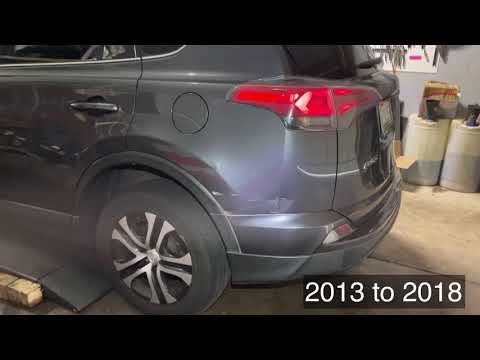
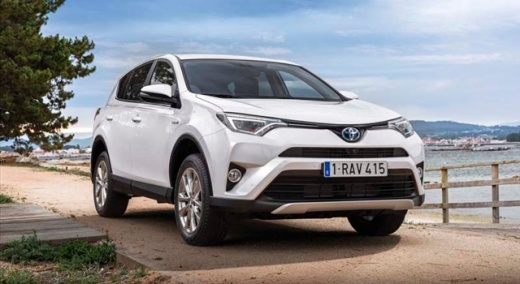
Toyota Rav 4
(2013-2018 /
MK 4, Xa40)
In this brief and simple guide, discover how to reset the radio on a fourth-generation Toyota Rav 4, as well as on the Corolla. First, open the bonne…

Toyota Rav 4
(2000-2006 /
Xa20, MK 2)
The 2006 Toyota Rav 4 comes with an older generation radio as standard. You can replace it with a new, more modern one by following the instructions …

Toyota Rav 4
(2019-2026 /
Xa50, MK 5)
The following steps will show us how to disassemble and replace the car radio antenna of the Toyota RAV 4. To remove the antenna along with its base,…
Other guides you may be interested in |
How to Open a Stuck Boot on the Peugeot 407?
On the Peugeot 407, the boot may become stuck, possibly due to a problem with the control button or the lock actuator. In such cases, you can perform an emergency opening by following the simple procedure shown in this tutorial. First, open the rear doors, then lower the seat back by operating the release lever. Next, go inside the boot, locate the lock, and manually operate it using a flathead screwdriver. The boot will then be free to open. by ScegliAuto More videos
|
|
For advertising on this site Write to info@scegliauto.com
ScegliAuto is not responsible for any inaccuracy of the data in the lists. To report any inaccuracy or your business (if you own the business in question), please write to info@scegliauto.com
Number of seconds to generate the page: 0.382
(c) ScegliAuto 2026 - info@scegliauto.com - Privacy policy VAT number: IT01247470535 |
