
|
Do it yourself
| |||
| ||||


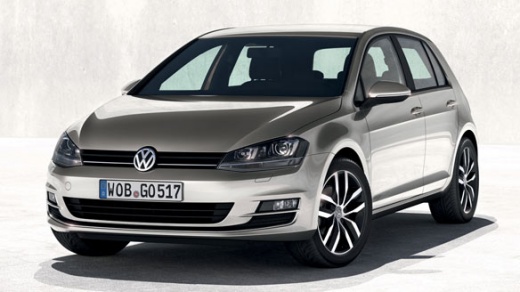
How do you set the clock of the Volkswagen Golf?
Model: Volkswagen Golf
MK 7, Golf 7, Golf VII
- Years:
2012, 2013, 2014, 2015, 2016, 2017, 2018, 2019
Video tutorial
The clock shown on the Volkswagen Golf's instrument panel can be adjusted by inserting the ignition key into the slot, so that the instrument panel can be turned on: once it has been turned on, it will be possible to navigate to the menu that appears on the central screen of the dashboard. You will then need to choose the "Setup" option and then "Time:": at this point, you will have access to a screen where you can modify the minutes and hours using the touch controls. After the modification has been made, you can return to the initial screen to complete the operation.
Posted on 5 November 2025 by ScegliAuto
Related tutorials
Volkswagen Golf
(2012-2019 /
MK 7, Golf 7, Golf VII)
It is possible to adjust the clock of the Volkswagen Golf by turning on the instrument panel and navigating through the menu that will appear on the …
Volkswagen Golf
(1997-2003 /
Golf IV, Golf 4, MK 4)
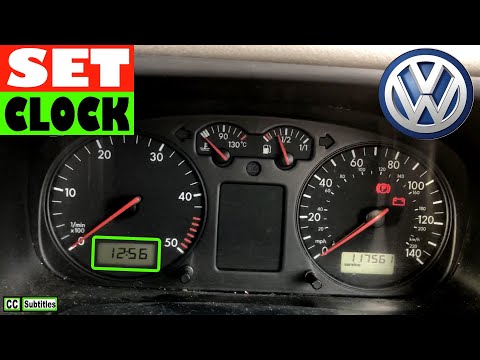
To set the clock on a Volkswagen Golf, turn the ignition key in the ignition switch to power up the instrument cluster. Once the cluster is on, use t…
Volkswagen Golf
(1997-2003 /
Golf IV, Golf 4, MK 4)
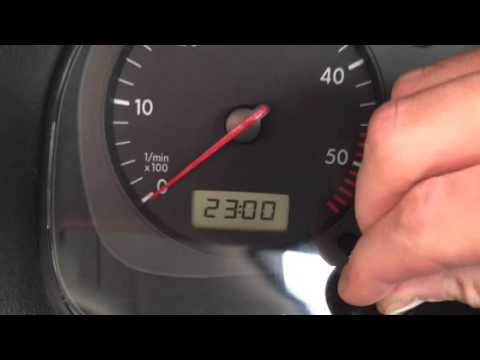
To set the clock on a Volkswagen Golf, turn on the instrument panel by turning the key in the ignition switch: once it is on, you can use the button …
Other guides you may be interested in
|
How to Open the Bonnet of a Toyota C-HR
To open the bonnet of a Toyota C-HR, get inside the vehicle and lift the lever with the bonnet symbol located under the steering wheel. After lifting the lever, you will notice that the bonnet rises a few centimetres. Position yourself in front of the bonnet, insert your hand into the gap, and move the small internal lever from right to left, then lift the bonnet. You can keep the bonnet open during maintenance by positioning it on the support rod. To close the bonnet, remove the support rod and let it drop back down. by ScegliAuto More videos
|
|
For advertising on this site Write to info@scegliauto.com
ScegliAuto is not responsible for any inaccuracy of the data in the lists. To report any inaccuracy or your business (if you own the business in question), please write to info@scegliauto.com
Number of seconds to generate the page: 0.192
(c) ScegliAuto 2026 - info@scegliauto.com - Privacy policy VAT number: IT01247470535 |
