
|
Do it yourself
| |||
| ||||


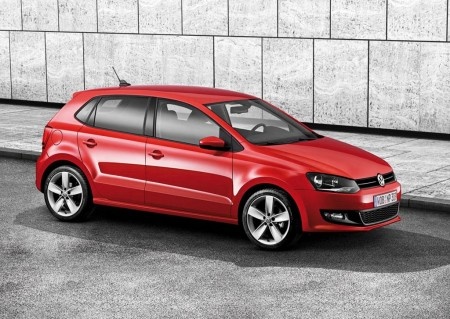
Replacing the Battery in a Volkswagen Polo 6
Model: Volkswagen Polo
6R, MK V, Polo 5, Polo V, MK 5
- Years:
2009, 2010, 2011, 2012, 2013, 2014, 2015, 2016, 2017
Video tutorial
In today's video, see how to replace the battery in a Volkswagen Polo 6 1.0 TSI, a model produced from 2009 to 2017. So, let's start the operation by opening the front bonnet of the vehicle and securing it with the appropriate prop. Next, using a 13mm spanner, remove the nut from the battery retaining plate and then take out the battery. Once done, using a 10mm spanner, disconnect the negative terminal first, followed by the positive terminal, then remove the battery cover by disconnecting its cable with a 13mm spanner as shown in the video, and finally remove the battery itself to replace it with a new one, reassembling everything by following the reverse procedure.
Posted on 11 August 2026 by ScegliAuto
Related tutorials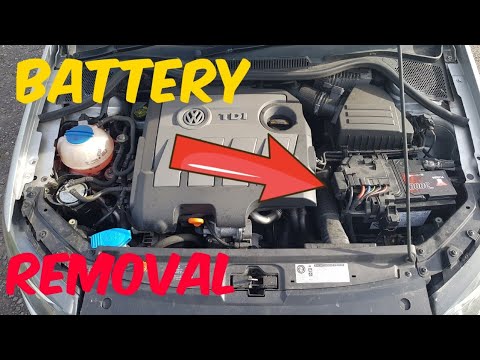
Volkswagen Polo
(2009-2017 /
6R, MK V, Polo 5, Polo V, MK 5)
Today's brief instructions will show you how to remove and replace the battery on a Volkswagen Polo. First, open the bonnet of the vehicle and begin …

Volkswagen Polo
(2009-2017 /
6R, MK V, Polo 5, Polo V, MK 5)
Before replacing the battery in the Volkswagen Polo, immobilise the car on a flat surface or on a ramp to work safely and stably. Now, open the front…
Volkswagen Polo
(2001-2009 /
MK IV, Polo 4, 9N, MK 4, Polo IV)
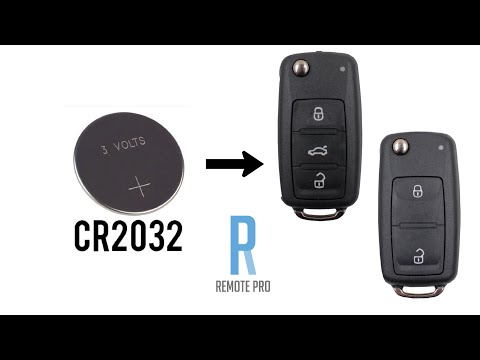
The battery in question is a CR 2032, available for £1-£2, depending on where you purchase it. Start by pressing the button to open the physical key …
Other guides you may be interested in |
How to Open the Fuel Flap on a Volkswagen Tiguan?
To open the fuel flap on a Volkswagen Tiguan, first unlock the car using the appropriate button on the remote. This will open the car and unlock the mechanism that controls the fuel flap. At this point, apply light pressure to the left side of the flap to open it and access the cap underneath. Once this is unscrewed, you can refuel and then close everything. by ScegliAuto More videos
|
|
For advertising on this site Write to info@scegliauto.com
ScegliAuto is not responsible for any inaccuracy of the data in the lists. To report any inaccuracy or your business (if you own the business in question), please write to info@scegliauto.com
Number of seconds to generate the page: 0.065
(c) ScegliAuto 2026 - info@scegliauto.com - Privacy policy VAT number: IT01247470535 |
