
|
Do it yourself
| |||
| ||||


How to Reset the Service Light on a Volkswagen Polo?
Model: Volkswagen Polo
- Years:
2001, 2002, 2003, 2004, 2005, 2006, 2007, 2008, 2009
Video tutorial
You can completely eliminate the Service light from the instrument panel of a Volkswagen Polo by holding down the Trip button while the ignition key is not inserted in the instrument panel. At this point, insert the key into its lock and turn it to position two to activate the panel without starting the vehicle. Next, lift the button and turn it counterclockwise, thus turning off the instrument panel. Once this operation is completed, you can turn the instrument panel back on, verifying that the Service light has been cleared.
Posted on 9 October 2026 by ScegliAuto
Related tutorials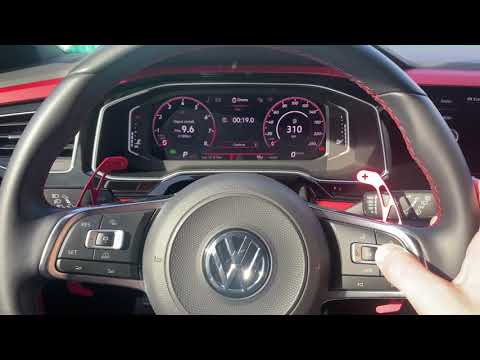
Volkswagen Polo
(2017-2025 /
Polo 6, MK 6, AW1, Polo VI, MK VI)
To reset the Service light on a Volkswagen Polo, you need to turn on the instrument cluster so you can navigate through the menu options on the onboa…
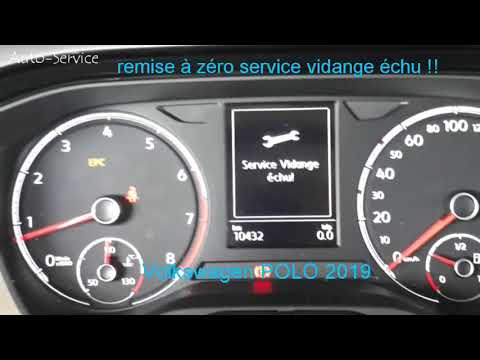
Volkswagen Polo
(2017-2025 /
Polo 6, MK 6, AW1, Polo VI, MK VI)
To reset the Service light in a Volkswagen Polo, press the button located just below the instrument cluster on the left side while inserting the key …
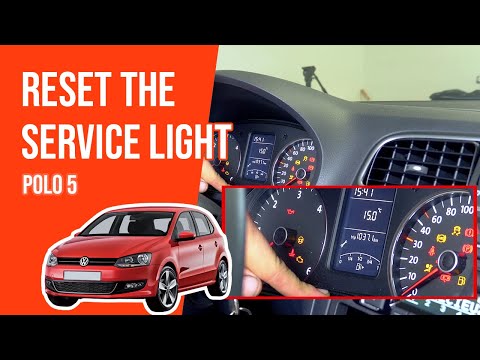
Volkswagen Polo
(2009-2017 /
6R, MK 5, Polo 5, Polo V, MK V)
To reset the Service light on the Volkswagen Polo, turn on the ignition and then press the button to the left of the instrument cluster four times: t…
Other guides you may be interested in
|
How to Lower the Rear Seats of the Kia Sportage
Follow these instructions to lower the rear seats of the Kia Sportage in simple and quick steps. First, open the rear doors of the vehicle and pull the lever located on the side of the rear seat. Then, lower the backrest of the vehicle (deciding which backrests to lower), as shown in the video. This will significantly increase the load volume of the boot. Finally, reposition the rear seats to their original position by applying the reverse procedure! by ScegliAuto More videos
|
|
For advertising on this site Write to info@scegliauto.com
ScegliAuto is not responsible for any inaccuracy of the data in the lists. To report any inaccuracy or your business (if you own the business in question), please write to info@scegliauto.com
Number of seconds to generate the page: 0.166
(c) ScegliAuto 2026 - info@scegliauto.com - Privacy policy VAT number: IT01247470535 |
