
|
Do it yourself
| |||
| ||||


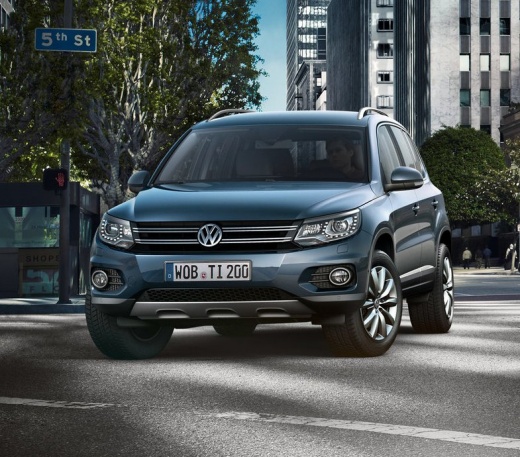
How to Replace the Engine Air Filter on a 2009 Volkswagen Tiguan
Model: Volkswagen Tiguan
- Years:
2007, 2008, 2009, 2010, 2011, 2012, 2013, 2014, 2015, 2016
Video tutorial
If you intend to change the engine air filter on your first-generation Volkswagen Tiguan (2009) without professional help, follow the steps described below carefully. First, ensure you purchase a new filter that is perfectly compatible with your vehicle, then lift the bonnet and unscrew all the screws of the cover that contains the filter. After that, remove the cover and proceed to replace the old air filter with the new one.
Posted on 16 November 2026 by ScegliAuto
Related tutorials
Volkswagen Tiguan
(2007-2016 /
MK 1, 5N)
How to replace the engine air filter? Let's look at removing the air filter from inside the engine bay of the Volkswagen. Open and lift the front bon…

Volkswagen Tiguan
(2016-2025 /
BW, MK 2, AD)
Periodically replacing the engine air filter of your second series Volkswagen Tiguan is very important as it allows you to preserve the life and perf…

Volkswagen Tiguan
(2007-2016 /
MK 1, 5N)
Let’s see how to remove and replace the engine air filter on a Volkswagen Tiguan. Open the car door, pull up the lever to open the engine bay located…
ScegliAuto offers an extensive international collection of automotive tutorials available in 12 languages. Each guide combines instructional videos with original explanations written by experienced human editors, along with information about the car models covered.
Other guides you may be interested in
|
How to Reset the Tire Pressure Light on the Land Rover Range Rover Evoque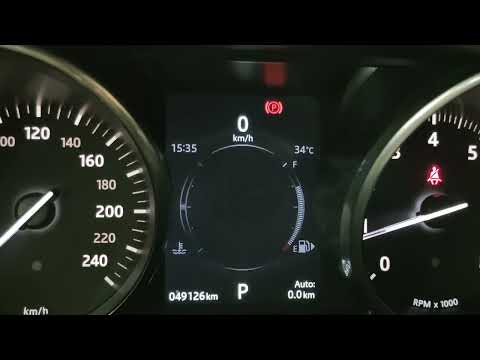
Today, let's go through the steps to reset the tire pressure light on the Land Rover Range Rover Evoque. First, get in the vehicle and turn on the ignition; then navigate to the settings on the onboard computer and select the tire pressure option to view the values, as shown in the video. At this point, restore the correct pressure in all four tires to clear the tire pressure warning light that appears on the instrument cluster! by ScegliAuto More videos
|
|
For advertising on this site Write to info@scegliauto.com
ScegliAuto is not responsible for any inaccuracy of the data in the lists. To report any inaccuracy or your business (if you own the business in question), please write to info@scegliauto.com
Number of seconds to generate the page: 0.056
(c) ScegliAuto 2026 - info@scegliauto.com - Privacy policy - About us VAT number: IT01247470535 |
