
|
Do it yourself
| |||
| ||||


Remove the Radio from Your Volkswagen Golf
Model: Volkswagen Golf
MK 6, Golf VI, Golf 6, 5K1
- Years 2008-2012
Do you want to remove the radio from your Volkswagen Golf and don't know how? Follow this guide to remove the original stereo. Remove the trim around the stereo using a plastic lever (where the control buttons are located), and detach it from the centre console. Once the stereo is free, use a screwdriver to unscrew the securing screws located on either side. Pull the stereo out with your hands and disconnect the cables (power and antenna). To reassemble, reverse the disassembly steps.
Updated on 13 March 2026 by ScegliAuto
Video tutorial
Related tutorials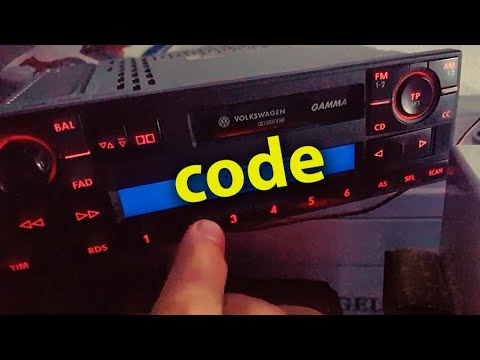
Volkswagen Golf
(1997-2003 /
Golf IV, MK 4, Golf 4)
Today's guide will show you how to find and enter the radio code for your Volkswagen Golf, following the instructions below. First, get into the vehi…
Volkswagen Golf
(2008-2012 /
MK 6, Golf VI, Golf 6, 5K1)
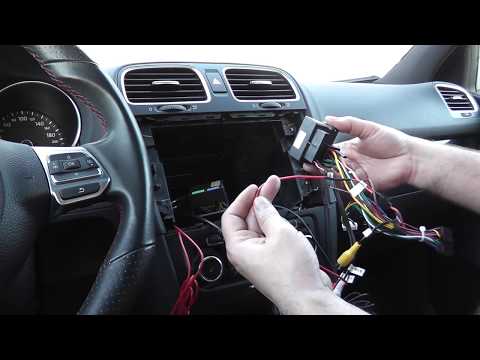
Do you need to replace the radio in a Volkswagen Golf? Here's how to proceed. Turn off the radio, remove the trim using a lever, then use a screwdriv…
Volkswagen Golf
(2012-2019 /
Golf VII, MK 7, Golf 7)
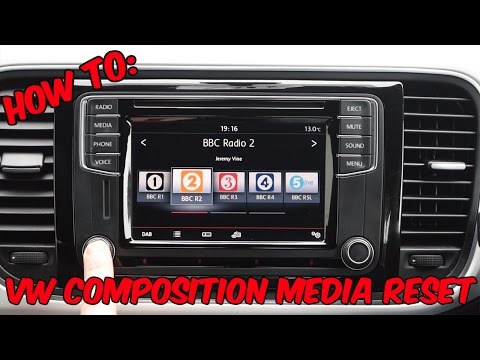
To reset a "composition media" radio in a Volkswagen, this video is demonstrated on a Volkswagen Golf, but it can be found in other Volkswagen group …
Other guides you may be interested in
|
Where is the Spare Wheel in the Peugeot 5008?
This video shows where the spare wheel is located in the Peugeot 5008 and how to access it, useful in case of a puncture. As shown, the wheel is not in the usual boot compartment but underneath it, outside the vehicle. To free the wheel, first gather the tools provided, then open the boot, locate the small indicated hatch, and open it. Next, loosen the bolt just released using the large socket wrench enough to lower the wheel to the ground. by ScegliAuto More videos
|
|
For advertising on this site Write to info@scegliauto.com
ScegliAuto is not responsible for any inaccuracy of the data in the lists. To report any inaccuracy or your business (if you own the business in question), please write to info@scegliauto.com
Number of seconds to generate the page: 0.079
(c) ScegliAuto 2026 - info@scegliauto.com - Privacy policy VAT number: IT01247470535 |
