
|
Do it yourself
| |||
| ||||


How to Replace the Air Vents on a Volkswagen Polo
Model: Volkswagen Polo
Polo 5, Polo V, MK 5, MK V, 6R
- Years 2009-2017
To replace the side air vents on a Volkswagen Polo, simply tilt the vent fully forward and grasp it. This will allow you to pull it out of its housing by pulling it towards you. Once the old vent is removed, you can install the new one by inserting it into its housing. It should simply click into place without being secured with any screws. This operation can then be repeated for the air vents on the opposite side.
Updated on 26 April 2026 by ScegliAuto
Video tutorial
Related tutorials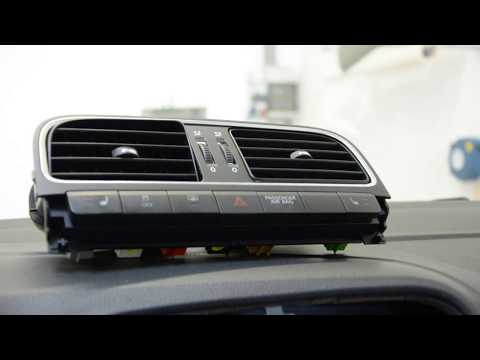
Volkswagen Polo
(2009-2017 /
Polo 5, Polo V, MK 5, MK V, 6R)
When cleaning the interior, to ensure everything is hygienically cleaned, it is advisable to remove the air vents for a thorough and accurate clean. …
Volkswagen Polo
(2009-2017 /
Polo 5, Polo V, MK 5, MK V, 6R)
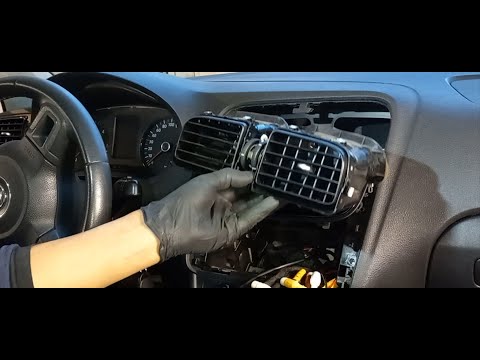
This tutorial shows how to remove the central air vents in a Volkswagen Polo, a straightforward and quick operation that requires removing the radio.…
Volkswagen Polo
(2009-2017 /
Polo 5, Polo V, MK 5, MK V, 6R)
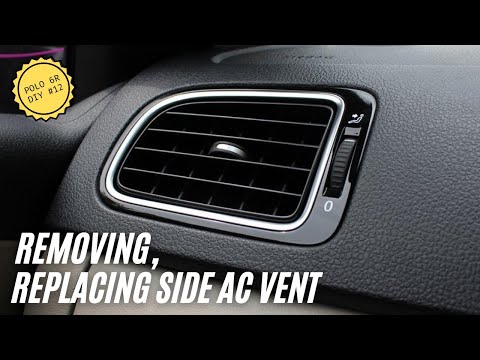
In this short video, we will see the steps to remove and replace the air vents on a Volkswagen Polo 6R, third generation. First, get inside the vehic…
Other guides you may be interested in
|
How to Replace the Cabin Filter on the Opel Grandland X
If you own an Opel Grandland X and want to know the steps to replace the cabin air filter, carefully read the following guide and follow the described steps. First, enter the vehicle and go to the passenger side. Then, locate the box containing the air filter in the lower side area of the dashboard. Remove the cover of the box and finally replace the old filter with the new one. Refit the cover, and you are done. by ScegliAuto More videos
|
|
For advertising on this site Write to info@scegliauto.com
ScegliAuto is not responsible for any inaccuracy of the data in the lists. To report any inaccuracy or your business (if you own the business in question), please write to info@scegliauto.com
Number of seconds to generate the page: 0.147
(c) ScegliAuto 2026 - info@scegliauto.com - Privacy policy VAT number: IT01247470535 |
