
|
Do it yourself
| |||
| ||||


Replacing the Speed Cable
Model: Volkswagen Transporter
T25, T3, MK 3
- Years 1979-1990
The speed cable is connected to the drive located at the output of the gearbox by a flexible cable that runs through the engine bay and the bulkhead. When the drive rotates, it turns the cable at the inserted end. The following guide explains how to check and, if necessary, replace the speed cable. First, check that the cable is not twisted, crushed, or bent within the engine bay and ensure it does not come into contact with hot parts as it could melt. Once the relevant parts are disassembled, you can disconnect the cable and proceed to insert the new one, possibly using a screwdriver for assistance.
Updated on 14 February 2026 by ScegliAuto
Video tutorial
Related tutorials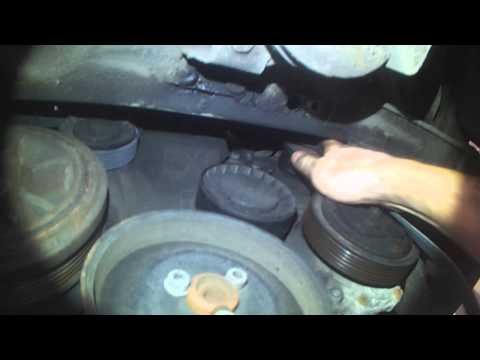
Volkswagen Transporter
(1990-2003 /
T4, MK 4)
Replacing a serpentine belt may be necessary for various reasons, such as low tension, tooth detachment, loss of tension, or worn back. Generally, it…

Volkswagen Transporter
(2003-2014 /
T5, MK 5)
In this guide, you will find instructions to replace the lock module and actuator of the Volkswagen Transporter. First, open the front driver's door …
Volkswagen Transporter
(1990-2003 /
T4, MK 4)
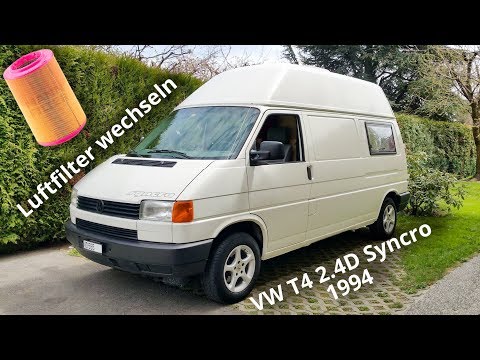
Are you looking to replace the air filter on this vehicle model? In the video and the description below, you will find the information and steps to c…
Other guides you may be interested in
|
How to Replace the External Wing Mirror on a Ford C MAX
In the event of a breakage, it will be necessary to replace the external wing mirror on the 2011 Ford C MAX. This operation is easily performed independently. Start by removing the internal cover of the mirror with a plastic lever. Then, use a socket wrench to remove the securing pins. Once the pins are removed, you can take off the mirror, but not before disconnecting the power connectors. Then proceed to fit the new mirror. First, connect the connectors and then secure the mirror to its housing with the pins. Refit the plastic cover and test the operation of the electric mirror using the controls. by ScegliAuto More videos
|
|
For advertising on this site Write to info@scegliauto.com
ScegliAuto is not responsible for any inaccuracy of the data in the lists. To report any inaccuracy or your business (if you own the business in question), please write to info@scegliauto.com
Number of seconds to generate the page: 0.063
(c) ScegliAuto 2026 - info@scegliauto.com - Privacy policy VAT number: IT01247470535 |
