
|
Do it yourself
| |||
| ||||


Diagnostic Menu of the Volkswagen RDC300 Radio
Model: Volkswagen Volkswagen Various
In this video, we will see how to access a small hidden diagnostic menu present on the Volkswagen RDC300 radio, which is still found in many models from the German manufacturer. Press and hold the menu button for a few seconds until you get the screen shown in the video, where you can see the current frequency, the level of frequency you are receiving at the moment, the name of the radio station, whether it is a station broadcasting in stereo, if it is a vehicle transmitting in RDS mode, and other useful information displayed on the screen.
Updated on 18 July 2026 by ScegliAuto
Video tutorial
Related tutorials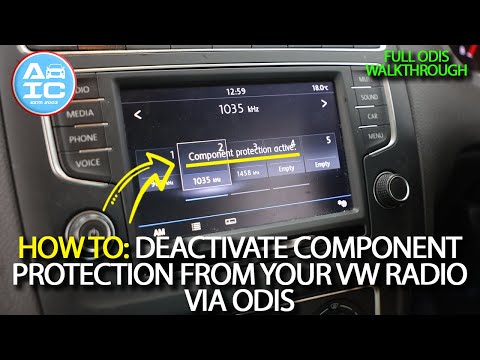
Volkswagen Volkswagen Various
To disable Component Protection on Volkswagen car radios, first turn on the instrument cluster and then the radio. You will need to connect a diagnos…

Volkswagen Volkswagen Various
In order to reset the radio of the Volkswagen Polo, you will need to turn on the instrument panel by inserting the ignition key into the appropriate …

Volkswagen Volkswagen Various
To reset the radio on Volkswagen vehicles, you need to insert the ignition key into the corresponding slot: once the ignition is on, you can use the …
Other guides you may be interested in
|
How to Open the Fuel Filler Flap on a Hyundai i20?
In this tutorial, you will see how to open the fuel filler flap on a Hyundai i20, a very simple operation similar to that of many vehicles. First, go inside the cabin; it is not necessary to insert the key or unlock all the locks, then locate and operate the lever situated in the lower left area of the cabin, right next to the driver's seat. Once done, exit the vehicle, fully open the flap, and unscrew the fuel cap. To close the flap, simply press it gently until you hear a click. by ScegliAuto More videos
|
|
For advertising on this site Write to info@scegliauto.com
ScegliAuto is not responsible for any inaccuracy of the data in the lists. To report any inaccuracy or your business (if you own the business in question), please write to info@scegliauto.com
Number of seconds to generate the page: 0.054
(c) ScegliAuto 2026 - info@scegliauto.com - Privacy policy VAT number: IT01247470535 |
