
|
Do it yourself
| |||
| ||||


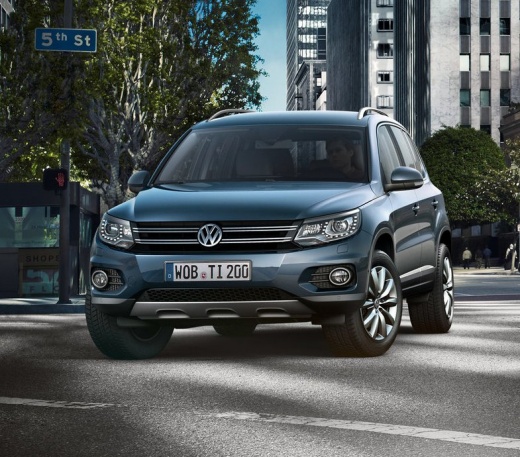
How to Change the Language of the Volkswagen Tiguan Menu
Model: Volkswagen Tiguan
MK 1, 5N
- Years:
2007, 2008, 2009, 2010, 2011, 2012, 2013, 2014, 2015, 2016
Video tutorial
Today, you will see the steps to change the language of the settings menu and the entire multimedia system of the Volkswagen Tiguan. First, get in the vehicle and turn on the ignition; then go to the settings from the central display and select the language option, choosing your desired language to set it, as shown in the video. At this point, wait for the system to update the language, then exit the menu; check that the language has also changed on the dashboard (if not, repeat the operation).
Updated on 3 September 2026 by ScegliAuto
Related tutorials
Volkswagen Tiguan
(2016-2025 /
BW, MK 2, AD)
To change the language on the Volkswagen Tiguan display, switch on the ignition and press the left arrow button located on the right spoke of the ste…

Volkswagen Tiguan
(2016-2025 /
BW, MK 2, AD)
Today we will see the instructions that will allow us to change the language of the multimedia system in the Volkswagen Tiguan. First, get in the veh…
Volkswagen Tiguan
(2007-2016 /
MK 1, 5N)
To change the language on the Volkswagen Tiguan, turn on the instrument cluster by rotating the key in the ignition switch: once the cluster is on, p…
Other guides you may be interested in
|
Frequently Asked QuestionsWhere is the Engine Fan Fuse Located in a Citroen C3?
The Citroen C3 contains two fuse boxes. The first fuse box is located inside the cabin behind the passenger side glove compartment. The second fuse box is under the bonnet near the battery. The fuse for the engine fan is located in the second fuse box and is labelled F8, rated at 25 Amperes. To replace the fuse, open the fuse box cover, remove the fuse with pliers, and insert a new fuse of the same amperage. Close the fuse box and the bonnet. by ScegliAuto More videos
|
|
For advertising on this site Write to info@scegliauto.com
ScegliAuto is not responsible for any inaccuracy of the data in the lists. To report any inaccuracy or your business (if you own the business in question), please write to info@scegliauto.com
Number of seconds to generate the page: 0.015
(c) ScegliAuto 2026 - info@scegliauto.com - Privacy policy VAT number: IT01247470535 |
