
|
Do it yourself
| |||
| ||||


How to Activate Traffic Sign Recognition on the VW T-Roc
Model: Volkswagen T Roc
MK 1
- Years 2017-2025
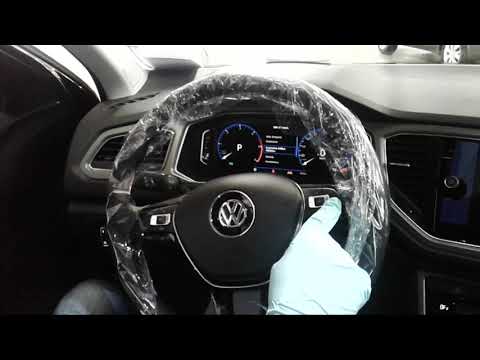
On most vehicles with a front camera, it is possible to activate the traffic sign recognition mode. Today, you will learn how to enable this function on the Volkswagen T-Roc's infotainment system. To activate this mode, turn on the instrument cluster and then press the CAR button on the onboard computer to access the vehicle settings menu. Select "Driver Assistance" and scroll through the menu until you find "New Traffic Sign Recognition". Press to confirm and then return to the main menu.
Updated on 22 September 2026 by ScegliAuto
Video tutorial
Related tutorials
Volkswagen T Roc
(2017-2025 /
MK 1)
In order to activate the road sign recognition on the Volkswagen T-Roc, you need to turn on the instrument panel and then press the MENU button next …
Volkswagen T Roc
(2017-2025 /
MK 1)
Before you can start, sit in the driver's seat of your Volkswagen T-Roc. The infotainment system consists of all the virtual controls within the onbo…

Volkswagen T Roc
(2017-2025 /
MK 1)
In this brief guide, you will discover the instructions to activate and deactivate the lane assist system on the Volkswagen T-Roc. First, get in the …
Other guides you may be interested in
|
How to set the clock on the Opel Zafira
Setting the clock to the current Italian time on an Opel Zafira model B vehicle is a very simple operation, which can also be done independently thanks to our short instructional video. The first thing to do is to turn on the instrument panel and then press the SETTING button, located on the central dashboard. Once inside the menu, use the buttons to navigate to the clock setting. Change the hours and minutes and restart the instrument panel. If the clock is not updated, a diagnosis may be necessary at the radio or vehicle control unit. by ScegliAuto More videos
|

|
For advertising on this site Write to info@scegliauto.com
ScegliAuto is not responsible for any inaccuracy of the data in the lists. To report any inaccuracy or your business (if you own the business in question), please write to info@scegliauto.com
Number of seconds to generate the page: 1.101
(c) ScegliAuto 2026 - info@scegliauto.com - Privacy policy VAT number: IT01247470535 |
