
|
Do it yourself
| |||
| ||||


Reset Discover Media MST2 on a Volkswagen
Model: Volkswagen Volkswagen Various
In today's video tutorial, we will see how to perform a forced restart of the Discover Media MST2 on a Volkswagen vehicle. This operation can be very useful in case the system malfunctions or freezes. Therefore, the forced restart is very simple to perform, we just need to press and hold the power button for about ten seconds, as shown in the video. This way, the system will perform a forced shutdown and then start the restart. Finally, once the forced restart is complete, we can resume normal use of our Discover Media.
Posted on 11 April 2024 by ScegliAuto
Video tutorial
Related tutorials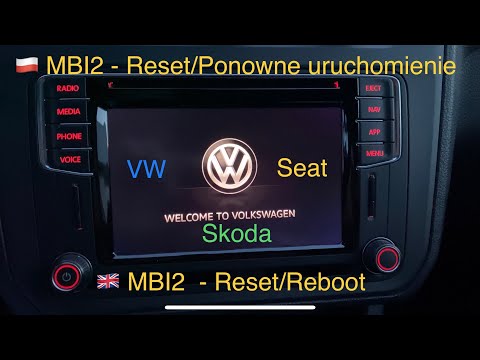
Volkswagen Volkswagen Various
In today's video, we will see how to reset the Discover Media radio in Volkswagen cars. This system can be found in many mid-2000s models from the Ge…
Volkswagen Volkswagen Various
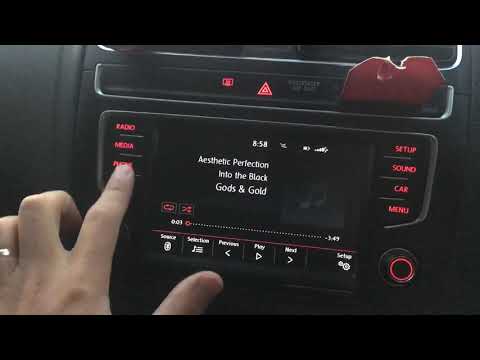
If you encounter issues with the multimedia system in your vehicle, such as the display not responding when any command is pressed, you can reset thi…

Volkswagen Volkswagen Various
The Start & Stop system stops the engine during prolonged stops and quickly restarts it as soon as the onboard sensors detect the driver's intention …
Other guides you may be interested in
|
Frequently Asked QuestionsFuses Location and Diagram for the Volkswagen Crafter
In this guide, we will look at the location of the fuse boxes and how to find their diagram for the Volkswagen Crafter. First, get inside the vehicle and start by removing the plastic cover found under the steering wheel, to access the internal fuse box; you will find another fuse box in the engine compartment by removing the plastic cover located next to the battery. At this point, use the owner's manual to find the fuse diagram, which will allow you to identify and replace any blown fuses with new ones! by ScegliAuto More videos
|
|
For advertising on this site Write to info@scegliauto.com
ScegliAuto is not responsible for any inaccuracy of the data in the lists. To report any inaccuracy or your business (if you own the business in question), please write to info@scegliauto.com
Number of seconds to generate the page: 0.088
(c) ScegliAuto 2026 - info@scegliauto.com - Privacy policy VAT number: IT01247470535 |
