
|
Do it yourself
| |||
| ||||


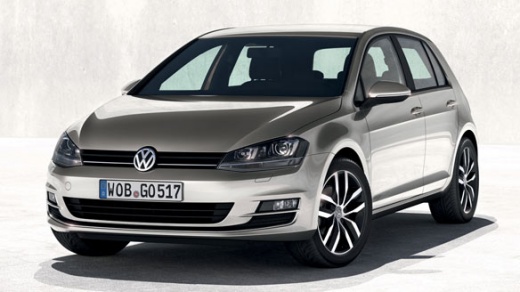
Why is the Infotainment System of the Volkswagen Golf Not Working?
Model: Volkswagen Golf
MK 7, Golf 7, Golf VII
- Years:
2012, 2013, 2014, 2015, 2016, 2017, 2018, 2019
Video tutorial
When the infotainment system of the Volkswagen Golf is not working, it is possible that some components managing its operation are damaged. You should check for any damage to the wiring connected internally to the specific screen. You should also check for any damage to the fuse that regulates the operation of the device; if all components are intact, it may be necessary to perform a system update. To do this, take the car to the official network or an authorised Volkswagen centre.
Updated on 2 October 2026 by ScegliAuto
Related tutorials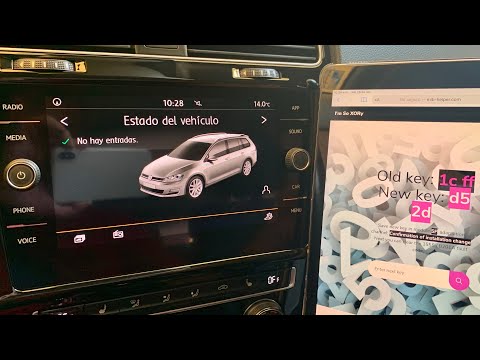
Volkswagen Golf
(2012-2019 /
MK 7, Golf 7, Golf VII)
To reset the infotainment system on the Volkswagen Golf, turn on the instrument cluster by turning the key in the ignition switch. Then, connect a sc…
Volkswagen Golf
(2019-2026 /
MK 8, Golf 8, Golf Viii)
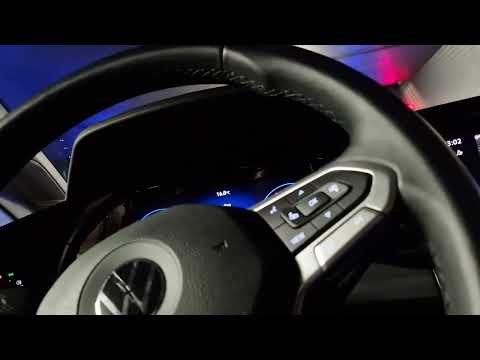
To reset the infotainment system on the Volkswagen Golf, first turn on the instrument cluster by inserting the ignition key into the ignition switch.…

Volkswagen Golf
(2019-2026 /
MK 8, Golf 8, Golf Viii)
If the remote control for your Volkswagen Golf has suddenly stopped working, it is likely that the battery is completely flat and needs replacing. Th…
Other guides you may be interested in |
How to open the bonnet on a Volkswagen Golf?
In this tutorial, you will see how to open the bonnet on a Volkswagen Golf MK4. This is a very simple operation that follows the standard procedure. First, open the driver's door, then locate the lever in the lower left area and pull it. Next, move to the front of the vehicle, lift the bonnet slightly, and find the second lever located just above the Volkswagen logo. At this point, simply pull it towards you, fully open the bonnet, and secure it with the prop rod. To close it, gently push it down. by ScegliAuto More videos
|
|
For advertising on this site Write to info@scegliauto.com
ScegliAuto is not responsible for any inaccuracy of the data in the lists. To report any inaccuracy or your business (if you own the business in question), please write to info@scegliauto.com
Number of seconds to generate the page: 0.009
(c) ScegliAuto 2026 - info@scegliauto.com - Privacy policy VAT number: IT01247470535 |
