
|
Do it yourself
| |||
| ||||


How do you activate the head up display in the Volkswagen Tiguan?
Model: Volkswagen Tiguan
MK 3
- Years 2024-2026
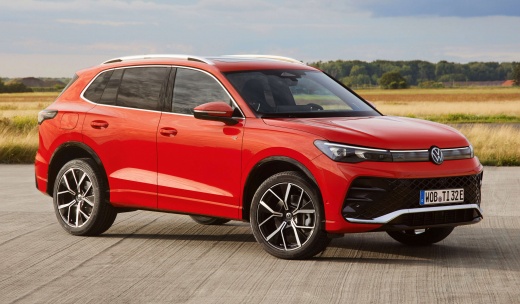
Even the Volkswagen Tiguan, if desired, can be equipped with the head-up display among its many functions, which allows for the transmission of various information such as fuel consumption, kilometers traveled, and more, on the vehicle's windshield. This technology has been borrowed from military aviation and in order for it to work, it must be activated, as explained in the video here: Select the voice Vehicle, Interior, Head up Setting display, Active. Once this is done, the activation is successfully completed, and from this moment on, you can fully enjoy the benefits of this function.
Posted on 16 August 2024 by ScegliAuto
Video tutorial
Related tutorials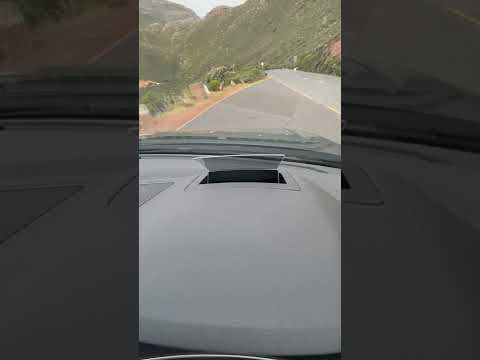
Volkswagen Tiguan
(2024-2026 /
MK 3)
This guide shows how to activate and adjust the head-up display on the Volkswagen Tiguan R-Line Mk3. The head-up display is an optical support that e…
Volkswagen Tiguan
(2016-2025 /
BW, MK 2, AD)
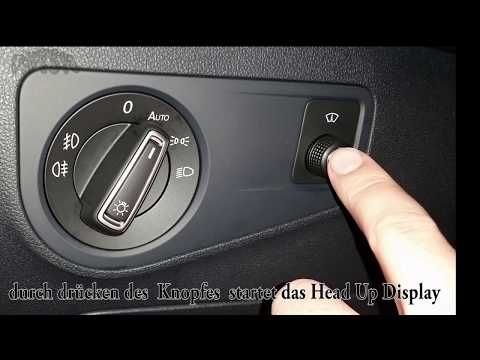
On 2017 Volkswagen Tiguan vehicles, you can activate the Head-up display. This device projects images or other information onto a small transparent h…

Volkswagen Tiguan
(2007-2016 /
5N, MK 1)
To connect your phone to a first-generation Volkswagen Tiguan, start the vehicle and the multimedia system. On the display, go to the "Phone" or "Blu…
Other guides you may be interested in
|
How to reset the tyre pressure warning light on a Hyundai Tucson
Below are the instructions to reset the tyre pressure warning light (TPMS) on a Hyundai Tucson. First, get into the vehicle and turn on the instrument cluster; then navigate to the vehicle settings until you reach the tyre pressure monitor, identifying the tyre with incorrect pressure. At this point, restore all tyre pressures according to the specifications indicated on the label; this will reset the TPMS and the warning light will be cleared from the instrument cluster! by ScegliAuto More videos
|
|
For advertising on this site Write to info@scegliauto.com
ScegliAuto is not responsible for any inaccuracy of the data in the lists. To report any inaccuracy or your business (if you own the business in question), please write to info@scegliauto.com
Number of seconds to generate the page: 0.282
(c) ScegliAuto 2026 - info@scegliauto.com - Privacy policy VAT number: IT01247470535 |
