
|
Do it yourself
| |||
| ||||


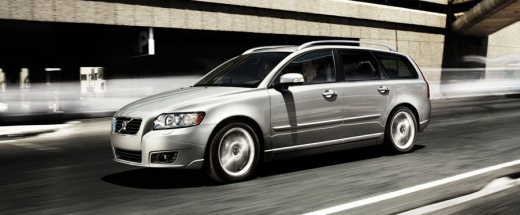
How to Reset the Service Light on a Volvo V50?
Model: Volvo V50
MK 1
- Years:
2004, 2005, 2006, 2007, 2008, 2009, 2010, 2011, 2012
Video tutorial
To reset the Service light on a Volvo V50, press and hold the button located on the right side of the instrument cluster while the cluster is off. Next, insert the key and turn on the ignition, continuing to hold the corresponding button: a flashing "i" will appear in the centre of the display. After the icon has flashed three times, release the button and turn off the instrument cluster; once it is turned on again, you can check that the reset has occurred.
Updated on 30 October 2026 by ScegliAuto
Related tutorials
Volvo V50
(2004-2012 /
MK 1)
To reset the Service light on a Volvo V50, press and hold the button located on the right side of the instrument cluster while the cluster is off. Wh…

Volvo V50
(2004-2012 /
MK 1)
In this new guide for all of you who own a Volvo V50, you will learn how to manually reset the service light on the instrument cluster. First, reach …

Volvo V50
(2004-2012 /
MK 1)
To reset the Service light on a Volvo V50, press and hold the TRIP button located on the lower side of the instrument cluster while it is off. While …
Other guides you may be interested in
|
How to Open the Fuel Flap on a Volkswagen Tiguan?
To open the fuel flap on a Volkswagen Tiguan, first unlock the car using the appropriate button on the remote. This will open the car and unlock the mechanism that controls the fuel flap. At this point, apply light pressure to the left side of the flap to open it and access the cap underneath. Once this is unscrewed, you can refuel and then close everything. by ScegliAuto More videos
|
|
For advertising on this site Write to info@scegliauto.com
ScegliAuto is not responsible for any inaccuracy of the data in the lists. To report any inaccuracy or your business (if you own the business in question), please write to info@scegliauto.com
Number of seconds to generate the page: 0.111
(c) ScegliAuto 2026 - info@scegliauto.com - Privacy policy VAT number: IT01247470535 |
