
|
Do it yourself
| |||
| ||||


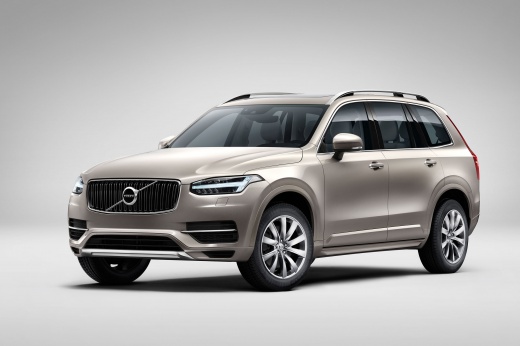
How to Reset the Tire Light on a Volvo XC90?
Model: Volvo Xc90
- Years:
2015, 2016, 2017, 2018, 2019, 2020, 2021, 2022, 2023, 2024, 2025, 2026
Video tutorial
In this tutorial, you will see how to reset the tire light on a Volvo XC90, a very simple and quick operation to perform only after restoring the correct pressure in each tire according to the instructions in the manual. First, go inside the cabin, then insert the key and turn on the ignition. Next, access the general menu on the touchscreen display, go to "Car Status," then "TPMS," select "Store Pressure," and confirm your choice. To complete the procedure, simply restart the vehicle.
Posted on 13 October 2026 by ScegliAuto
Related tutorials
Volvo Xc90
(2015-2026 /
MK 2)
In this tutorial we can see how to reset the tire pressure warning light in the Volvo XC90, an extremely simple and quick operation, to be done only …

Volvo Xc90
(2015-2026 /
MK 2)
In this tutorial we can see how to reset the tire pressure light in the Volvo XC90, an extremely simple and quick operation, to be done only once the…

Volvo Xc90
(2015-2026 /
MK 2)
.. In this tutorial, you will see how to reset the tire light on a Volvo XC90, a very simple and quick operation that should only be performed.. …
Other guides you may be interested in
|
How to Replace the Cabin Filter on the Ford Puma
To replace the cabin filter on the Ford Puma, detach the small cover located on the left side of the front passenger footwell: once this is removed, loosen the underlying screw so that you can detach the corresponding panel. At this point, locate the filter box underneath, which can be opened to remove the filter inside. The new filter can then be inserted, covering everything with the box and refitting the corresponding panel into its housing. by ScegliAuto More videos
|
|
For advertising on this site Write to info@scegliauto.com
ScegliAuto is not responsible for any inaccuracy of the data in the lists. To report any inaccuracy or your business (if you own the business in question), please write to info@scegliauto.com
Number of seconds to generate the page: 0.126
(c) ScegliAuto 2026 - info@scegliauto.com - Privacy policy VAT number: IT01247470535 |
