
|
Do it yourself
| |||
| ||||


How do you deactivate the Volvo alarm?
Model: Volvo Volvo Various
The procedure for deactivating the alarm on Volvo cars is done by inserting the key into the ignition switch, allowing the instrument panel to turn on. At this point, you will need to press the ENTER button located on the central dashboard panel. Then, you can press the MENU button and select the "Car settings" option. This will bring up another screen where you will need to select the "Reduced guard" option. This will open another screen where you can activate or deactivate the alarm. Finally, you can turn off the instrument panel.
Posted on 25 November 2023 by ScegliAuto
Video tutorial
Related tutorials
Volvo Volvo Various
In order to deactivate the traction control of a Volvo, you need to turn on the instrument panel by inserting the ignition key into the corresponding…

Volvo Volvo Various
In this video tutorial we will see how to disassemble and replace the on-board computer display glass on various Volvo models. First we are going to …

Volvo Volvo Various
In order to reset the infotainment system in Volvo cars, you need to insert the key into the ignition so that the instrument panel turns on. Once it …
Other guides you may be interested in
|
How to Remove the Right Front Door Panel on an Opel Mokka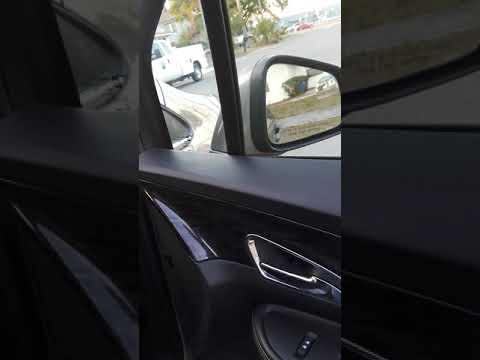
To remove the right front door panel on an Opel Mokka, follow these steps: disconnect the battery terminals located in the engine bay, then use a screwdriver to remove the screws from the upper door opening lever and the screws in the handle. Next, remove the covering plastic near the lever. Unscrew the remaining screws on the door panel and detach the retaining clips. Finally, pull the panel away with your hands and unclip it from the door (disconnect the power wiring and the release cable). Reassemble everything in reverse order. by ScegliAuto More videos
|
|
For advertising on this site Write to info@scegliauto.com
ScegliAuto is not responsible for any inaccuracy of the data in the lists. To report any inaccuracy or your business (if you own the business in question), please write to info@scegliauto.com
Number of seconds to generate the page: 0.110
(c) ScegliAuto 2026 - info@scegliauto.com - Privacy policy VAT number: IT01247470535 |
