
|
Do it yourself
| |||
| ||||


|
Model: Yamaha R1 Yamaha
To set the time on a Yamaha R1, start by ensuring that the motorcycle is turned on. Use the button on the right-hand side switchgear to enter the settings menu. Once in the settings menu, use the button to scroll until you find the option related to the time or clock. Select this option and, usually, you will have the ability to adjust the time by entering the corresponding numbers for the desired time directly. Use the buttons to increase or decrease the numbers and set the correct time. Make sure to confirm or save the settings once the modification is complete. Restart the motorcycle to verify that the clock has been set correctly. If you have difficulty finding the clock settings or need further specific instructions for your Yamaha R1 model, refer to the owner's manual.
Posted on 22 January 2025 by ScegliAuto
Video tutorial
Related tutorials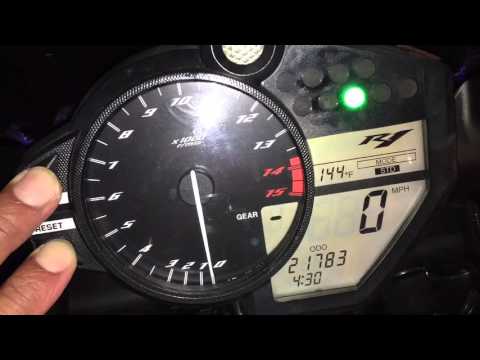
R1 Yamaha
In this tutorial, learn how to set the time on the Yamaha R1, a very simple and quick operation to perform after replacing the battery or when switch…

R1 Yamaha
In this tutorial we can see how to adjust the time on the Yamaha R1, a very simple and fast operation, to be carried out for example after the switch…
R1 Yamaha
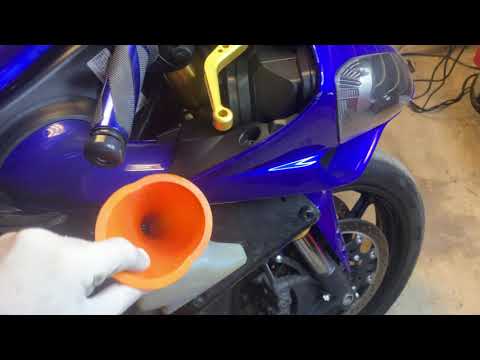
In today's video, you will see how to bleed the cooling system and replace the antifreeze on a 2007 Yamaha R1 in simple steps. First, bleed the old c…
|
How to Replace the Battery in a Yamaha FZ6?
Replacing the battery in the Yamaha FZ6, as shown in this tutorial, is a very simple and quick operation. First, ensure that the key is not inserted, then remove the rider's seat and, using a 10mm socket spanner, loosen the bolt on the tank hinge. Next, unscrew both the front bolts and the fairing mounting bolts, lift the entire tank, and disconnect both terminals starting with the negative. At this point, you can remove the upper plastic plate, take the battery out of its housing, and fit the replacement. by ScegliAuto More videos
|
|
For advertising on this site Write to info@scegliauto.com
ScegliAuto is not responsible for any inaccuracy of the data in the lists. To report any inaccuracy or your business (if you own the business in question), please write to info@scegliauto.com
Number of seconds to generate the page: 0.006
(c) ScegliAuto 2026 - info@scegliauto.com - Privacy policy VAT number: IT01247470535 |
