
|
Do it yourself
| |||
| ||||


How do you reset the Oil Service light on the Yamaha Tmax 500?
Model: Yamaha Tmax 500
Video tutorial
To reset the Oil Service light on the Yamaha Tmax 500, you will need to turn on the instrument panel by turning the ignition key inside the corresponding block: once the instrument panel is turned on, you will need to hold down the RESET button located on the left side of the instrument panel, at the bottom of the tachometer. By holding down this button, you will notice that the Oil Service light will start flashing: after a few seconds, the light will be reset and you can release the button, turning off the instrument panel completely.
Posted on 27 March 2025 by ScegliAuto
Related tutorials
Tmax 500
After replacing the engine oil and oil filter, it will be necessary to reset the maintenance service light on the Yamaha Tmax 500 scooter. First, put…
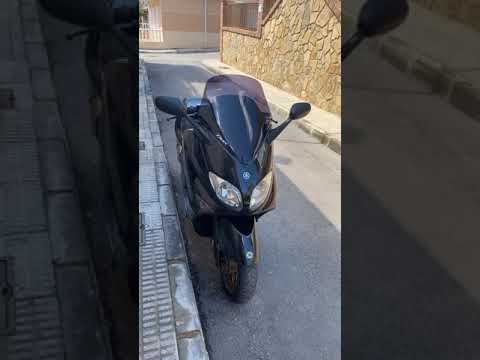
Tmax 500
This tutorial shows how to reset the drive belt service on a Yamaha TMAX 500 scooter, a very simple and quick operation to perform only after complet…

Tmax 500
As shown in this tutorial, resetting the oil service on the Yamaha TMAX 500 scooter is an extremely simple and quick operation. Before proceeding, en…
|
How to Set the Clock on the Sym Jet14 125?
To adjust the clock on the Sym Jet14 125, turn on the instrument panel by inserting the ignition key into the corresponding slot. Once the panel is on, press and hold the M button located underneath until one of the numbers on the clock starts flashing. At this point, repeatedly press the S button, also located beneath the panel, to change that number. After making the change, press the M button to move on to the next numbers, finishing by turning off the panel. by ScegliAuto More videos
|
|
For advertising on this site Write to info@scegliauto.com
ScegliAuto is not responsible for any inaccuracy of the data in the lists. To report any inaccuracy or your business (if you own the business in question), please write to info@scegliauto.com
Number of seconds to generate the page: 0.048
(c) ScegliAuto 2026 - info@scegliauto.com - Privacy policy VAT number: IT01247470535 |
